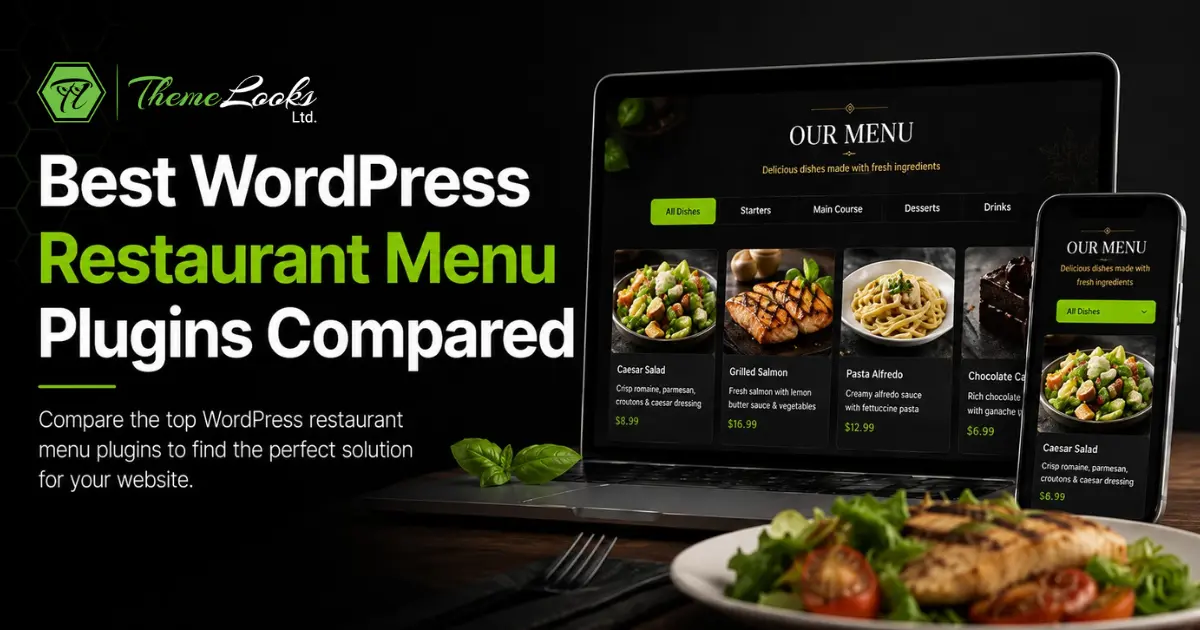
The best WordPress restaurant menu plugin depends on what you actually need to run. A basic menu display plugin works for a static PDF replacement. A full restaurant management system handles online ordering, POS, delivery, multi-branch, and table reservations in one place. This guide covers 7 plugins across both categories so you can pick the right one for your restaurant, café, or food delivery business.
Table of Contents
A WordPress restaurant menu plugin lets you create, manage, and display your food menu directly inside WordPress without coding a custom theme or relying on a third-party platform that charges monthly SaaS fees.
The best WordPress restaurant menu plugins go beyond displaying dish names and prices. They connect your menu to a live ordering system, let customers choose items and add-ons, process payments through WooCommerce, and route orders to your kitchen in real time.
Restaurants that move their ordering online typically process 25-40% more orders during peak hours compared to phone-only ordering, according to industry data from 2023-2024. The menu plugin is the entry point for all of that, which is why choosing the right one matters.
Before comparing specific plugins, these are the factors that actually affect restaurant operations:

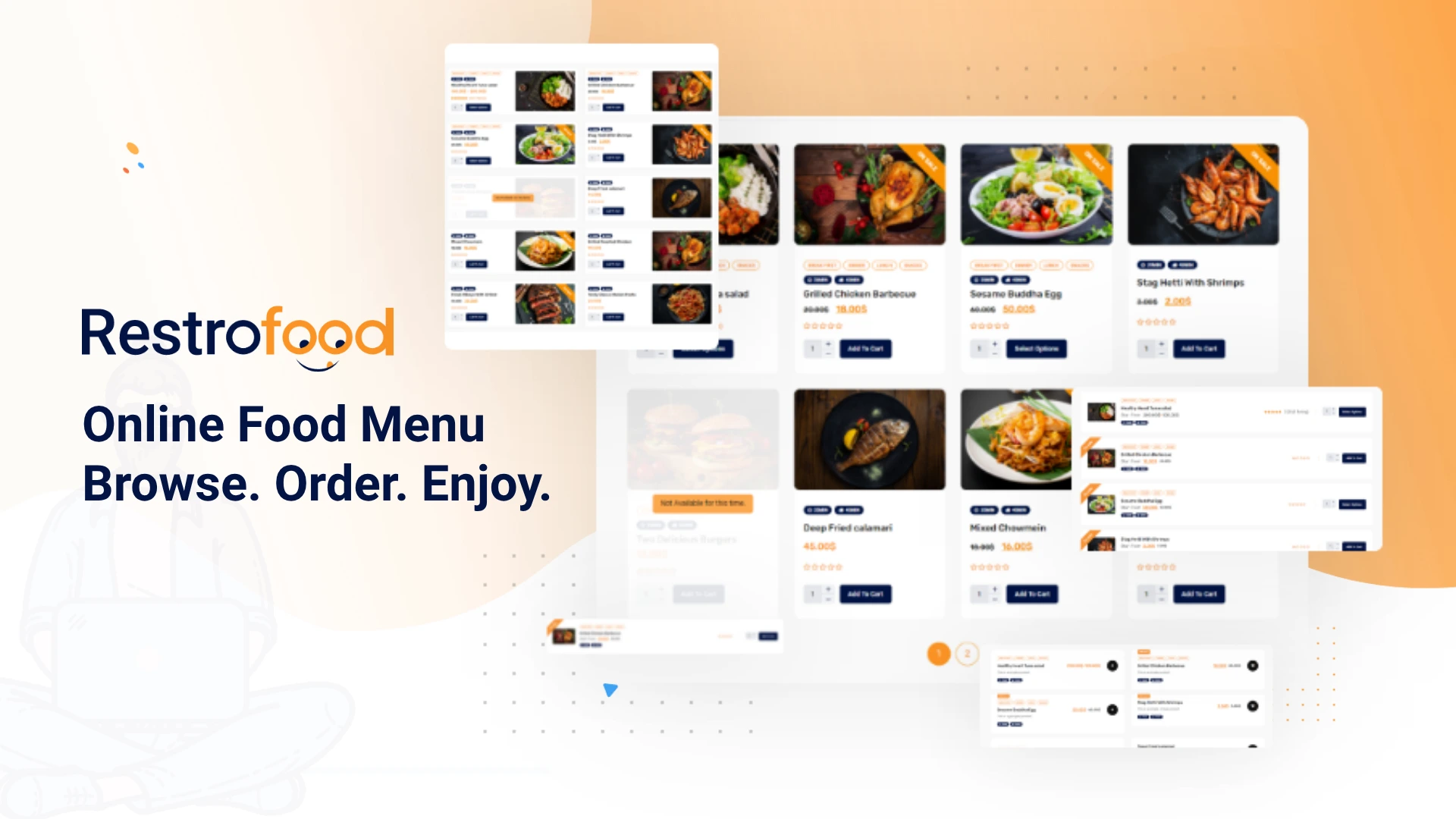
RestroFood is a WooCommerce-based restaurant management plugin that combines menu management, online ordering, POS, delivery tracking, table reservations, and multi-branch management into one WordPress plugin.
For restaurant owners who want a complete system without paying monthly SaaS fees to a third-party platform, RestroFood is the strongest option available in 2026.
RestroFood plugin allows you to build a full food menu with categories, sub-categories, food items, add-ons, variations (size, spice level, extras), and allergen labels. You manage everything from the WordPress dashboard, no separate admin panel to learn.
Each menu item connects directly to WooCommerce products, so pricing, inventory, and product images are managed in one place. This setup also makes WooCommerce upsell strategies easier, because restaurant owners can recommend add-ons, premium dishes, or combo upgrades directly from their menu and ordering flow.
The menu display is fully responsive and renders correctly on mobile, tablet, and desktop. Customers browse categories, customize their order with add-ons, and add items to the cart without leaving your website.
RestroFood online ordering system supports 4 order types from a single setup: dine-in, delivery, takeaway, and scheduled pickup. Customers choose their order type at checkout, and the system routes the order accordingly.
This matters operationally. A dine-in order goes to the kitchen with a table number. A delivery order triggers driver assignment. A scheduled pickup holds the order until the correct prep window. Most competing plugins treat all orders identically and leave routing logic to the restaurant to figure out manually.
Order notifications go to the kitchen, the branch manager, and the customer simultaneously, cutting the communication gap that causes order errors.
The RestroFood POS system handles in-house orders directly from a tablet or desktop at the counter. Staff can take walk-in orders, process payments, print receipts, and sync all transactions with your WooCommerce sales data.
Most WordPress restaurant menu plugins have no POS functionality at all. This forces restaurants to run two separate systems, one for online orders and one for in-house, which creates split reporting and double entry.
RestroFood plugin eliminates that split. Every order, whether placed online or at the counter, goes into the same order management system.
RestroFood plugin includes a dedicated delivery management module with delivery boy accounts, delivery zone configuration, and real-time order tracking. Customers receive a live tracking link after placing a delivery order.
You define delivery zones by radius or custom boundary, set per-zone delivery fees, and assign drivers to incoming orders manually or through auto-assignment rules. Drivers get a mobile-friendly interface showing their active deliveries.
This is the feature that separates RestroFood from every basic WordPress restaurant menu plugin in this list. Running deliveries without proper driver management and zone control consistently leads to late deliveries and customer complaints.
RestroFood table reservation system allows customers to book tables directly from your website. You configure table capacity, opening hours, booking intervals, and blackout dates. Confirmation emails go to the customer and your staff automatically.
Reservations integrate with the POS when a booked table arrives, and staff can open their reservation and start adding orders without creating a new ticket from scratch.
RestroFood multi-branch management system allows you to run multiple restaurant locations from one WordPress installation. Each branch gets its own menu, operating hours, and delivery zones. Branch managers see only their location’s orders and reports.
The central admin account sees everything: consolidated sales data, branch-by-branch performance, and system-wide menu updates.
For restaurant groups, franchise operators, and cloud kitchen businesses running multiple virtual brands, this eliminates the need to maintain separate WordPress sites for each location.
RestroFood provides sales reporting by date range, order type, branch, and menu item. You can identify your highest-margin items, peak order hours, and branch-level performance trends without exporting data to a separate tool.
RestroFood uses a one-time purchase model, not a monthly subscription. You own the plugin and pay once, with no recurring SaaS fees that scale with your order volume.
Best for: Restaurant owners, café operators, cloud kitchen businesses, and food delivery startups who want a complete WordPress restaurant management system, not just a menu display plugin.
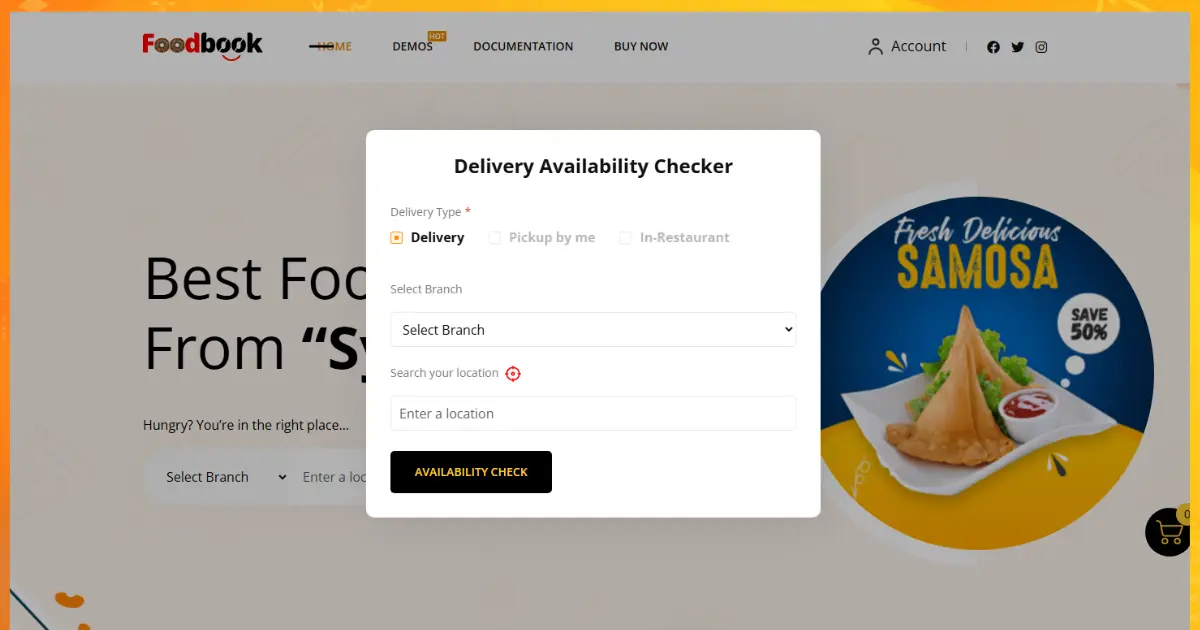
FoodBook is a WordPress food ordering plugin focused on simplicity. It provides a clean menu display with basic online ordering, suitable for small restaurants that need a fast setup without advanced operational features.
Key features:
Limitations: FoodBook delivery management, real-time tracking, or multi-branch support. It works well for a small café or food truck that takes orders online for pickup only.
Pricing: FoodBook is available in free and premium versions. The premium version unlocks ordering features.
Best for: Small cafés and food trucks with simple, single-location ordering needs.
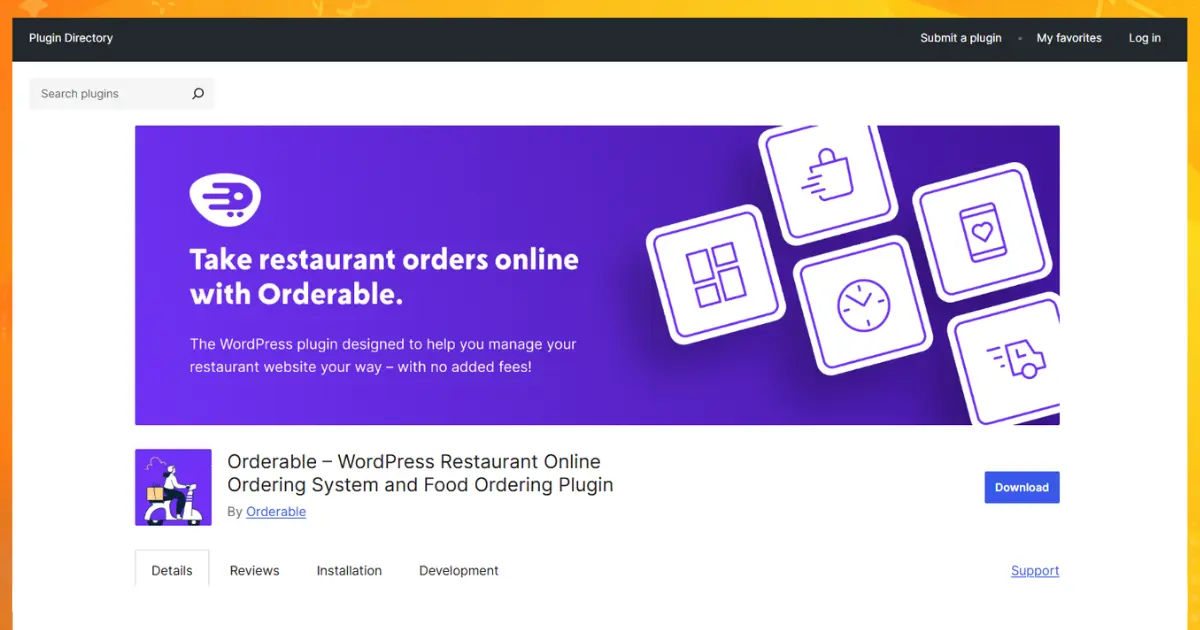
Orderable is a WordPress food ordering plugin that builds on WooCommerce to handle restaurant-style orders. It focuses on the order experience, customers can customize items, choose order times, and complete checkout through WooCommerce.
Key features:
Limitations: Orderable is primarily an ordering and checkout enhancement plugin. It does not include a POS system, driver management, real-time delivery tracking, or multi-branch management. Restaurants that grow beyond a single location will outgrow Orderable quickly.
Pricing: Orderable offers a free version with core ordering features. The Pro version adds time slots, add-ons, and layout customization.
Best for: Single-location restaurants that want to add WooCommerce-based ordering to an existing WordPress site without a full system rebuild.
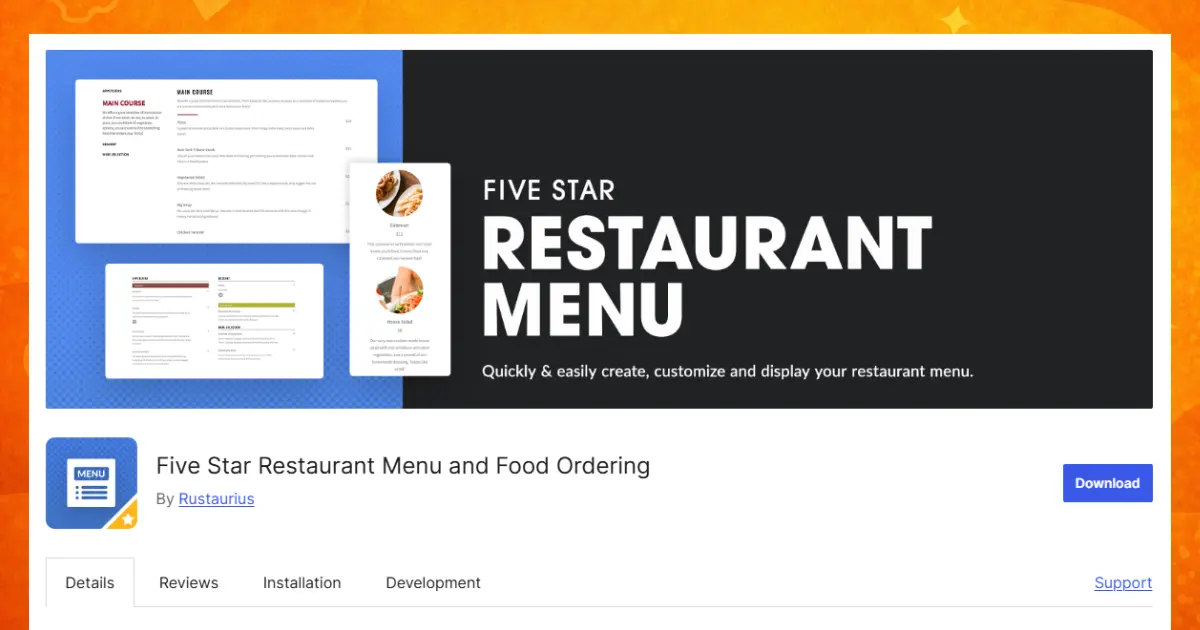
Five Star Restaurant Menu is one of the most popular free WordPress restaurant menu plugins in the official WordPress plugin directory. It focuses entirely on menu display, creating a clean, readable menu without an ordering system.
Key features:
Limitations: Five Star Restaurant Menu does not support online ordering, payments, delivery, reservations, or any transactional functionality. It is a menu display plugin only. Restaurants that want customers to order online need a different plugin.
Pricing: The core plugin is free. The Five Star Restaurant Menu Pro version adds additional layouts, styling options, and premium support.
Best for: Restaurants that want to display a clean digital menu on their WordPress site and take orders through phone or at the counter.
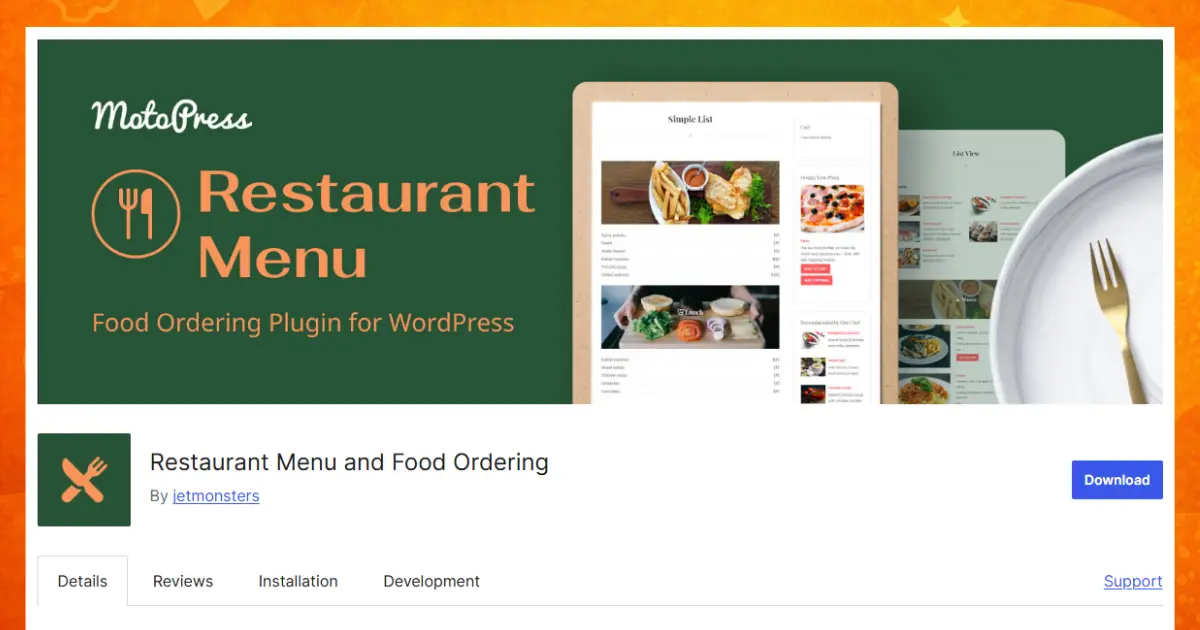
Restaurant Menu by MotoPress is a WordPress food menu plugin focused on visual presentation. It gives restaurants a drag-and-drop menu builder with polished layouts suitable for upscale dining or brunch cafés that prioritize brand aesthetics.
Key features:
Limitations: Restaurant Menu by MotoPress is a presentation plugin. It does not handle ordering, payment processing, delivery, POS, or reservations. Menus created with this plugin are not connected to any ordering workflow.
Pricing: Available as a free plugin and a premium version with expanded layouts and styling controls.
Best for: Fine dining restaurants, brunch spots, and cafés that want a visually polished menu display without an online ordering requirement.
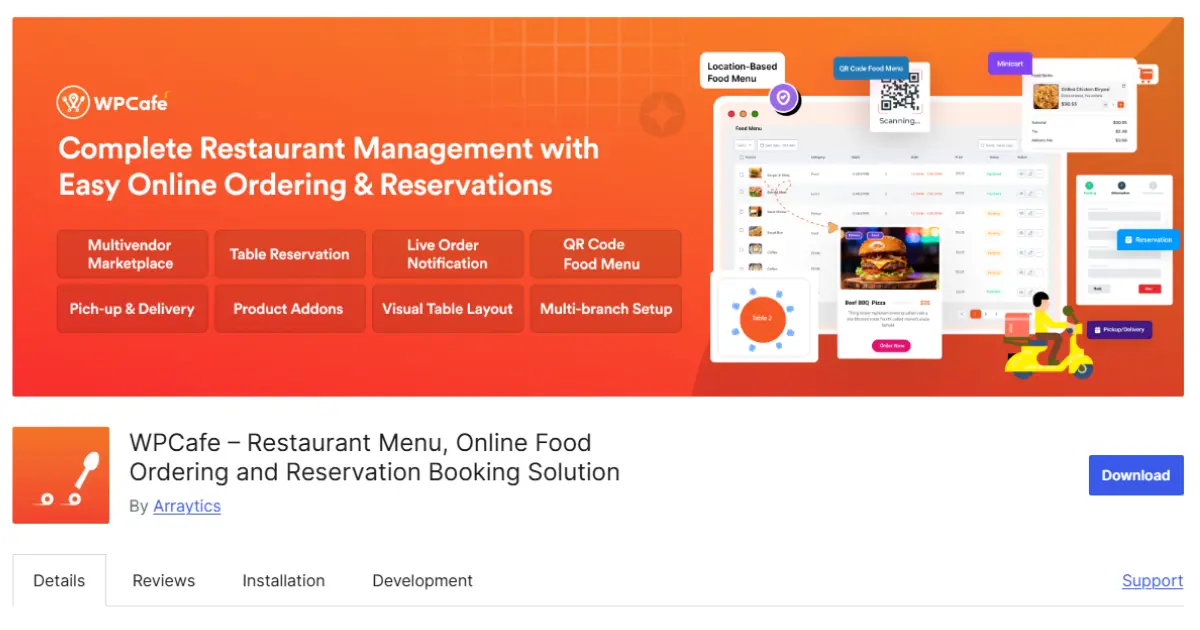
WPCafe is a WordPress restaurant plugin that combines food menu management with table reservation functionality. It sits between a pure display plugin and an online ordering system.
Key features:
Limitations: WPCafe does not include a POS system, real-time delivery tracking, driver management, or multi-branch management. Its ordering functionality is functional but less feature-complete than plugins built entirely around WooCommerce workflows.
Pricing: WPCafe has a free version and a WPCafe Pro version that unlocks advanced ordering, reservation management, and shortcode features.
Best for: Restaurants that want basic menu display, table reservations, and simple online ordering in one plugin without the complexity of a full restaurant management system.
Food Menu by RadiusTheme is a WordPress food menu plugin that displays WooCommerce products as a restaurant-style menu. It is designed for restaurants already using WooCommerce who want a better-looking menu display without rebuilding their product catalog.
Key features:
Limitations: Food Menu by RadiusTheme relies entirely on WooCommerce for ordering and payment. It does not add delivery management, POS, table reservations, or multi-branch features. It is fundamentally a display layer on top of standard WooCommerce.
Pricing: A free version is available. The Pro version adds additional layouts, sorting options, and styling controls.
Best for: Existing WooCommerce stores that want a styled restaurant menu display without switching their underlying product management system.
| Feature | RestroFood | FoodBook | Orderable | Five Star Menu | MotoPress | WPCafe | Radius Theme |
| Menu Display | ✅ | ✅ | ✅ | ✅ | ✅ | ✅ | ✅ |
| Online Ordering | ✅ | ✅ | ✅ | ❌ | ❌ | ✅ | ⚠️ Basic |
| WooCommerce Native | ✅ | ⚠️ Optional | ✅ | ❌ | ❌ | ✅ | ✅ |
| Dine-in / Delivery / Pickup | ✅ All 3 | ⚠️ Pickup | ✅ | ❌ | ❌ | ⚠️ | ❌ |
| POS System | ✅ | ❌ | ❌ | ❌ | ❌ | ❌ | ❌ |
| Real-time Delivery Tracking | ✅ | ❌ | ❌ | ❌ | ❌ | ❌ | ❌ |
| Driver Management | ✅ | ❌ | ❌ | ❌ | ❌ | ❌ | ❌ |
| Table Reservations | ✅ | ❌ | ❌ | ❌ | ❌ | ✅ | ❌ |
| Multi-Branch Support | ✅ | ❌ | ❌ | ❌ | ❌ | ❌ | ❌ |
| Sales Analytics | ✅ | ❌ | ⚠️ Basic | ❌ | ❌ | ❌ | ❌ |
| Free Version | ❌ | ✅ | ✅ | ✅ | ✅ | ✅ | ✅ |
| Mobile Responsive | ✅ | ✅ | ✅ | ✅ | ✅ | ✅ | ✅ |
| Elementor/Page Builder | ✅ | ⚠️ | ✅ | ⚠️ | ✅ | ✅ | ✅ |
Key: ✅ Full support · ⚠️ Partial / limited · ❌ Not available
Your choice depends on what stage your restaurant is at and what you actually need to operate.
A WordPress restaurant menu plugin is the foundation of your restaurant’s online presence, whether you need a clean digital menu, a full online ordering system, or an end-to-end restaurant management platform.
For basic menu display, Five Star Restaurant Menu and MotoPress deliver clean, responsive layouts at no cost. For restaurants ready to take online orders, Orderable and WPCafe add transactional capability to an existing WordPress site. For food businesses that need a complete system for online food menu, ordering, POS, delivery, reservations, and multi-branch management. RestroFood is the only WordPress plugin that covers all of it without a monthly SaaS fee.
The right choice isn’t the most feature-rich plugin on this list. The right choice is the one that matches how your restaurant actually operates today, and gives you room to grow.
Explore RestroFood pricing and packages →
RestroFood is the best WordPress restaurant menu plugin for restaurants that need online ordering, POS, delivery management, and multi-branch support in one system. For restaurants that only need to display a menu without ordering, Five Star Restaurant Menu and MotoPress are strong free options.
Yes. RestroFood plugin, Five Star Restaurant Menu, Restaurant Menu by MotoPress, WPCafe, Orderable, and Food Menu by RadiusTheme all offer free versions. Free WordPress restaurant menu plugins typically cover menu display. If you need online ordering, payments, or delivery management, you will need a premium plugin.
Yes. Several WordPress restaurant menu plugins integrate with WooCommerce, including RestroFood, Orderable, WPCafe, and Food Menu by RadiusTheme. RestroFood is built natively on WooCommerce, which means it inherits WooCommerce’s full payment gateway support, including Stripe, PayPal, and Square, without additional configuration.
A restaurant menu plugin displays your food items, categories, and prices. A restaurant ordering plugin lets customers select items, customize their order, pay online, and receive order confirmation. Plugins like Five Star Restaurant Menu and MotoPress are display-only. Plugins like RestroFood and Orderable handle the full ordering workflow, from menu browsing to payment and kitchen notification.
Yes. RestroFood plugin includes multi-branch management, which allows you to run multiple restaurant locations from one WordPress installation. Each branch has its own menu, operating hours, delivery zones, staff accounts, and reporting. A central admin account manages all branches and sees consolidated sales data across every location.
RestroFood is the only WordPress restaurant menu plugin in this comparison that includes a POS system. The RestroFood POS handles in-house orders, payment processing, and receipt printing directly from your WordPress dashboard. All POS transactions sync with your WooCommerce sales data automatically.
Most modern WordPress restaurant menu plugins include Elementor compatibility. RestroFood, WPCafe, MotoPress, and Food Menu by RadiusTheme all offer Elementor widgets or blocks. You can embed your food menu into any page built with Elementor or Gutenberg without using shortcodes.
RestroFood is the best WordPress food delivery plugin because it combines menu display, online ordering, real-time delivery tracking, driver management, and delivery zone configuration in one plugin. It is the only option in this list that handles the full delivery workflow, from a customer placing an order to a driver completing delivery, without requiring a third-party delivery platform.
Yes. Several plugins in this list offer free downloads from the WordPress plugin directory, including RestroFood, Five Star Restaurant Menu, WPCafe, Food Menu by RadiusTheme, and MotoPress Restaurant Menu. Free versions cover the menu display. Advanced features like online ordering, delivery management, and POS are available in premium versions.

I write the content behind ThemeLooks products - product descriptions, documentation, and blogs for WordPress themes, Website templates, and WordPress plugins, etc. I work between the developers who build the product and the customers trying to understand it.





 ChatGPT
 Grok
Grok Claude
 Perplexity
 Google AI


