
The best WordPress plugins for online food menu management are RestroFood, WPCafe, Five Star Restaurant Menu, Orderable, and WP Food Manager. These plugins let restaurants create, organize, and display food menus online, with features ranging from basic list layouts to multi-branch menus with product extras, nutrition info, and Ajax-powered filtering.
Table of Contents
| Feature | Five-Star Menu | WP Food Manager | WPCafe | Orderable | RestroFood |
| Multiple display layouts | Yes | No | Yes | Limited | Yes (6 layouts) |
| Ajax category filter | No | No | Basic | No | Yes |
| Ajax quick product view | No | No | No | No | Yes |
| Nutrition information fields | No | No | No | No | Yes |
| Product extras/add-ons | No | No | No | Yes | Yes |
| Connected to the ordering system | No | Partial | Yes | Yes | Yes |
| Column grid options | No | No | Basic | No | Yes (2/3/4 col) |
| Product sorting filters | No | No | No | No | Yes |
| Shortcode display | Yes | Yes | Yes | No | Yes |
| WooCommerce native | No | Yes | Yes | Yes | Yes |
Five Star Restaurant Menu leads on pure presentation for browse-only menus, but does not connect to ordering. Orderable and RestroFood lead for menus tied to an active ordering workflow. RestroFood adds the most depth in display options and product detail fields.
A restaurant’s online menu is often the first place a customer decides whether to order. Slow-loading menu pages, poor categorization, and no filtering options create friction before a customer even adds an item to the cart.
Beyond presentation, menu management affects operations. Restaurants that can update prices, add seasonal items, and mark items as unavailable without a developer save time and avoid customer confusion. A 2024 survey by Toast found that 72% of diners check a restaurant’s online menu before visiting or ordering. For WordPress restaurants, that means the menu plugin directly affects conversion.
The 5 plugins below are evaluated on menu display quality, product organization tools, WooCommerce integration, and how well they handle the operational side of menu updates.
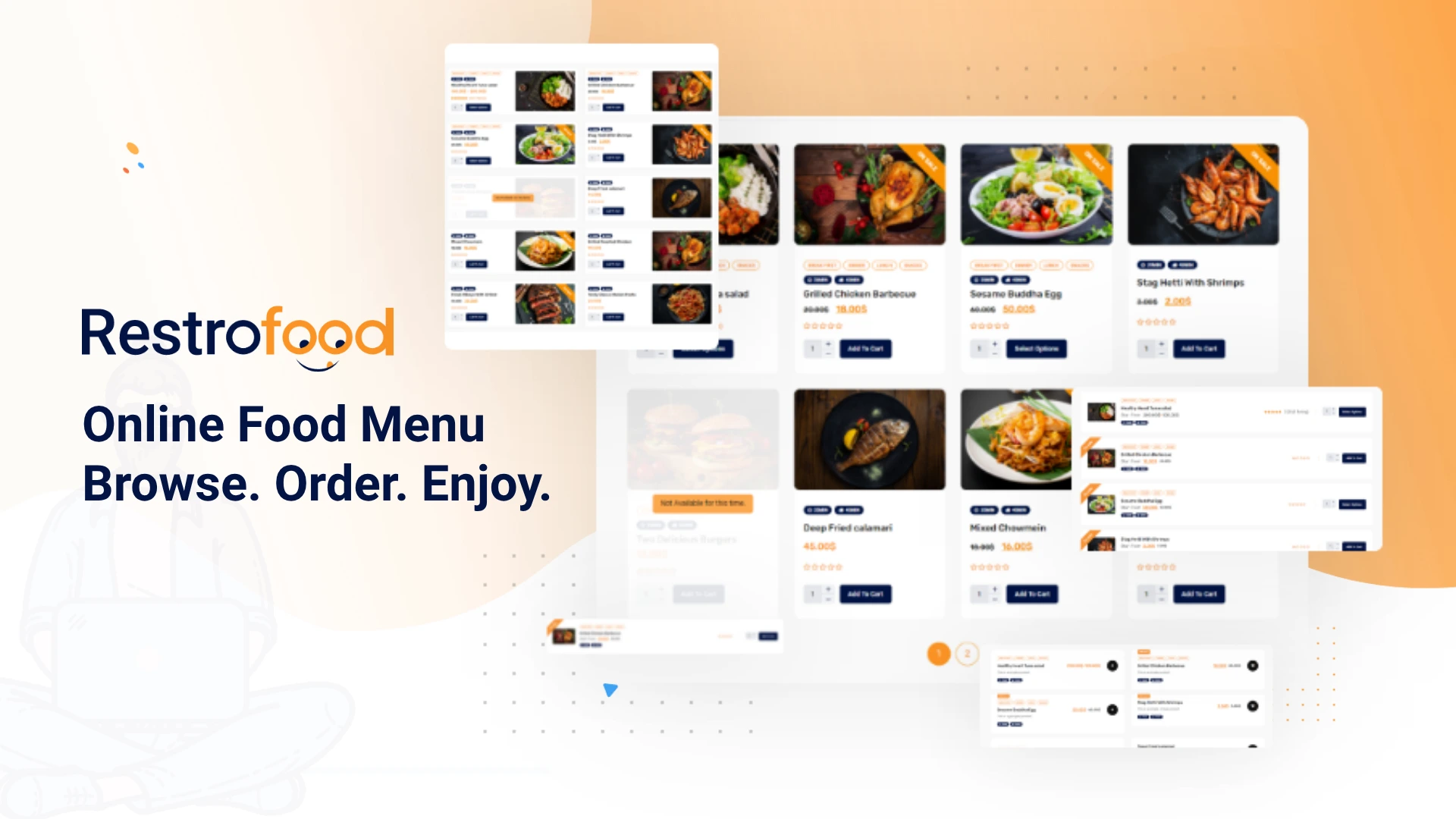
RestroFood is a WooCommerce-based restaurant plugin for WordPress that manages the complete food menu system, product layouts, category filtering, item extras, combo configurations, nutrition display, and real-time pricing, giving customers a fast, accurate menu browsing experience directly on the restaurant’s website.
RestroFood builds the menu layer on top of WooCommerce’s product system, which means every menu item is a WooCommerce product with full support for categories, variations, extras, and pricing. Restaurant owners manage the menu from the standard WordPress dashboard. No separate menu builder software or third-party menu platform is needed.
RestroFood provides 6 product display layouts so restaurant owners can present menu items in the format that best matches their brand and menu size, from compact grid views to featured item showcases.
6 layout options give restaurants control over how the menu looks to customers:
Most basic WooCommerce food plugins offer 1 default layout. RestroFood 6’s layout options let a pizza restaurant display differently from a fine-dining venue without custom CSS or a developer.
RestroFood loads menu categories, search results, and additional items without page refresh, so customers browse the full menu without waiting for a new page to load on each interaction.
3 Ajax-powered menu browsing tools are included:
In practice, menus that require full page reloads between categories lose customers at each click. Ajax browsing removes that friction at every step of menu exploration.
RestroFood quick view popup shows full item details, description, extras, pricing, and add-to-cart in an overlay without navigating away from the menu page, so customers never lose their place while browsing.
Customers click any menu item to open the quick view. The pop-up displays:
This keeps the customer on the menu page throughout the ordering process. Navigating to a separate product page and back for each item adds friction that reduces order completion rates.
RestroFood supports unlimited combo products and product extra options, letting customers customize menu items with add-ons, modifications, and portion choices while seeing the updated price in real time.
Restaurant menus are rarely static, single-price items. A burger comes with sauce choices. A pizza has size and topping options. A meal deal combines 3 items at a bundle price. RestroFood handles all 3 scenarios:
Different styling options are available for how extras display on the menu inline, dropdown, checkbox, or button format.
RestroFood lets restaurant owners display nutrition facts, calories, protein, carbohydrates, fat, sugar, and fiber for each menu item, giving health-conscious customers the information they need to make informed choices.
Nutrition data is added per menu item in the product settings. It displays on the menu item detail view and quick view pop-up. Restaurants serving customers with dietary requirements, gyms, health cafes, and meal prep services use this feature to reduce pre-order inquiries about nutritional content.
6 nutrition fields are supported per item:
RestroFood includes product sorting controls that let customers reorder the menu by popularity, average rating, newest items, and price low to high or high to low, matching the browsing preference of each customer.
Menu sorting options available to customers:
Customers who know what they want use search. Customers exploring a menu use sorting. Both tools are available without any additional configuration beyond enabling the feature in RestroFood settings.
RestroFood menu shortcodes work with all WordPress themes and page builders that support shortcodes, including Elementor, Gutenberg, WPBakery, Visual Composer, Brave Builder, and Divi Builder.
Restaurant owners place the menu on any page using the [RestroFood_products] shortcode. The menu inherits the active theme’s styling and renders within the existing page layout, no separate menu page template is required.
This means a restaurant already using Elementor to build its website embeds the full RestroFood menu with Ajax filtering, quick view, and extras inside an existing Elementor page without rebuilding the page layout.
RestroFood includes a free restaurant WordPress theme built for food businesses, with menu display, online ordering, and delivery integration pre-configured, so new restaurant websites launch with a functional menu system from day one.
The theme includes demo data. Restaurant owners import the demo, replace menu items with their own, and launch with a fully functional food menu and ordering system without building page layouts from scratch.
The table below covers RestroFood menu management features relevant to restaurants that need structured, customer-facing food menus on WordPress.
| Menu Feature | Included |
| 6 product display layouts | Yes |
| 2, 3, or 4 column grid configuration | Yes |
| Ajax category filter (no page reload) | Yes |
| Ajax quick search (real-time results) | Yes |
| Ajax pagination (load more without refresh) | Yes |
| Quick view popup (item details without page change) | Yes |
| Unlimited product extras and add-ons | Yes |
| Combo product builder | Yes |
| Real-time extended price calculator | Yes |
| Nutrition facts per menu item | Yes |
| Customer menu sorting (popularity, rating, price) | Yes |
| Shortcode for any page or page builder | Yes |
| Free restaurant theme with demo data | Yes |
| Theme color customization | Yes |
| All WordPress themes and page builders are supported | Yes |
RestroFood is a one-time purchase plugin with no monthly fees. Menu updates, layout changes, and item additions are unlimited; there is no per-item or per-update charge.
WPCafe is a WordPress restaurant plugin that includes menu management alongside ordering and reservations.
Key menu features:
WPCafe suits restaurants using Elementor who want visual control over menu layout design. Its menu tools are solid for presentation, though it lacks nutrition fields and product extras for complex menu items.
Five Star Restaurant Menu is a dedicated menu display plugin for WordPress with a focus on clean presentation and ease of use.
Key features:
The Five Star Restaurant Menu is lightweight and focused purely on displaying menu content. It does not integrate with WooCommerce for ordering, making it best suited for restaurants that want a digital menu for browsing only, not one connected to an online ordering system.
Orderable includes menu management as part of its restaurant ordering plugin.
Key features:
Orderable’s menu tools work well for restaurants that want a clean, ordering-focused menu layout. The product modifier system is useful for customizable items. It does not include nutrition fields or advanced display options like multiple grid layouts.
WP Food Manager is a lightweight WordPress plugin for food listings and basic menu organization.
Key features:
WP Food Manager is a minimal, flexible option for small restaurant websites that need organized food listings. It is not built around a specific menu display style, which gives more layout flexibility through theme customization but requires more setup than purpose-built restaurant plugins.
Display flexibility: The ability to switch between grid layouts (2, 3, or 4 columns) and different product card styles lets you match your menu presentation to your brand without custom CSS.
Filtering and search: Ajax-powered category filters and search fields reduce the time a customer spends finding what they want. Faster browsing means fewer abandoned sessions.
Product extras and add-ons: Restaurants with customizable items, different sizes, toppings, or combo options need a menu plugin that calculates extended prices dynamically when a customer selects extras.
Nutrition fields: Customer demand for nutritional transparency has grown steadily. Plugins that include standard nutrition fields (calories, protein, carbs, fat) let you display this information without custom development.
Connection to ordering: A menu plugin that sits outside your ordering system creates a disconnect, customers see the menu, but order through a separate flow. Plugins that manage menu display and order processing together keep the experience consistent.
For restaurants that need both menu display and ordering, RestroFood and WPCafe are strong choices because they connect the menu directly to the WooCommerce checkout flow. For browse-only digital menus without ordering, Five Star Restaurant Menu handles presentation well.
RestroFood includes nutrition fields for each menu item, covering calories, protein, carbohydrates, fat, sugar, and fiber. Most other restaurant menu plugins for WordPress do not include built-in nutrition fields.
RestroFood includes a product extra option system where you create combo configurations with multiple choice sets and an extended price calculator that updates in real time as customers select options. Orderable also supports product modifiers for toppings and size variations.
Ajax category filtering lets customers browse menu sections such as starters, mains, or desserts without reloading the page. RestroFood uses Ajax for category filtering, quick search, quick product view, and pagination, all of which reduce page loads and improve browsing speed.
Yes. RestroFood, WPCafe, Five Star Restaurant Menu, and WP Food Manager all support shortcode-based menu display. RestroFood’s [RestroFood_products] shortcode embeds the full interactive menu with filters, search, and add-to-cart on any page or post.
Most plugins offer 1 or 2 layout styles. RestroFood provides 6 distinct product display layouts and allows you to select 2, 3, or 4 column grids, giving more visual flexibility without custom development.
WPCafe is built with Elementor compatibility as a primary feature. RestroFood supports Elementor, Gutenberg, WPBakery, Divi, and other page builders that support shortcodes. Five Star Restaurant Menu and WP Food Manager also work with most WordPress themes and builders via shortcodes.
Our FAQs cover the most common questions about ThemeLooks. If you need personalized advice or have a unique query, our team is ready to help. Contact us!
Mohammad Nur Alam is a Technical Content Writer at ThemeLooks Ltd., specializing in WordPress, SaaS, SEO, and web development. He writes practical tutorials, product reviews, and technical guides that help users make the most of WordPress tools and plugins. Passionate about digital marketing and emerging technologies, he enjoys creating helpful content and staying up to date with the latest industry trends.
