
If you run an SEO agency, you need a website that looks trustworthy and shows off your work. A good theme should help you present your services, your team, your case studies, and a way for people to contact you.
Eoxpress is a WordPress theme built for SEO agencies and digital marketing companies. Eoxpress uses the Elementor page builder, so you can design pages without writing code.
This guide explains what to look for in SEO Agency WordPress Theme, walks through Eoxpress real features, and shows you how to use it to build a professional agency website.
Table of Contents
the Best SEO agency WordPress theme is a ready-made website design created for agencies that provide SEO and digital marketing services. It gives an agency a professional starting point for building its website without creating every page from the beginning.
A good SEO agency theme can help you display:
The main benefit of using an SEO agency WordPress theme is saving time. Instead of designing every page from a blank screen, you can start with professionally designed layouts and customize them with your own text, images, colors, and branding. This makes it easier to create a clear and professional website for your SEO business.
Choosing a WordPress theme is an important step when you are building an SEO agency website. The right theme should not only look good but also make your website easy to use, update, and manage. Before choosing a theme, check the following features.
Your website is often the first place where potential clients learn about your agency. A clean and professional design can help visitors understand your business quickly. Choose a theme with clear sections, readable text, and a layout that makes important information easy to find.
A good theme should have a clean website structure that is easy for search engines to understand. Proper headings, organized content, and clean code can help search engines crawl your pages more easily.
However, a theme cannot guarantee higher Google rankings by itself. Your content, technical SEO, links, website performance, and many other factors also affect search visibility.
Many people browse websites using smartphones and tablets. Your agency website should look good and work properly on different screen sizes. Make sure menus, buttons, images, text, and forms remain easy to use on smaller screens.
A theme should be built with performance in mind. Too many unnecessary features, scripts, or design elements can make a website harder to maintain and may affect loading performance. Look for a theme that provides the features you need without adding unnecessary complexity.
Your agency website should match your own brand. A good theme should make it simple to change colors, fonts, images, layouts, and other design elements. Easy customization is especially helpful when you want to make small changes without needing a developer every time.
SEO agencies need to explain their services and show their previous work. Look for a theme that provides suitable layouts for service pages, project showcases, case studies, and other business information.
These sections can help potential clients understand what your agency does and see examples of your work.
Publishing useful articles can help an agency share its knowledge and answer common questions from potential clients. Choose a theme with a clear and readable blog layout so you can publish SEO guides, marketing tips, news, and other helpful content.
Elementor is a popular WordPress page builder that lets you create and edit pages using a visual interface. If you use Elementor, choosing a theme that works well with it can make website customization easier.
Some agencies may want to sell services, packages, digital products, or other items directly through their websites. If this is part of your plan, check whether the theme works with WooCommerce, the popular eCommerce platform for WordPress.
WordPress, plugins, browsers, and other web technologies continue to change. A theme that receives regular updates can help maintain compatibility over time. Reliable customer support is also useful when you have questions or face problems while building your website.
The best theme for your agency is not simply the one with the most features. Choose one that gives you the tools you actually need, is easy to manage, works well on different devices, and helps you present your services clearly. This can make building and maintaining your SEO agency website much easier.
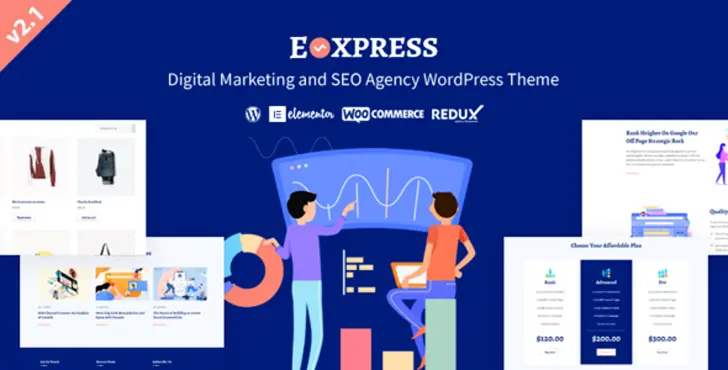
Eoxpress is a WordPress theme built for SEO agencies, digital marketing companies, and related agency websites. It’s built on the Elementor page builder, so you design pages visually, without touching code.
| Feature | Why It Matters for an SEO Agency |
| Elementor Page Builder | Build and edit pages visually, with no coding needed |
| Redux Framework theme options | Control colors and site-wide settings from one panel |
| CMB2 custom meta boxes | Add extra content fields to pages and posts |
| Blog layouts (full-width, left/right sidebar) | Supports ongoing content marketing |
| Contact Form 7 (fully styled) | Ready-made forms so leads can reach you right away |
| MailChimp Ajax integration | Collect email leads directly from your site |
| Unlimited color versions + 850+ Google Fonts | Match the look to your agency’s brand |
| Child theme compatible | Make custom changes safely without losing them on updates |
| W3C validated, well-commented code | A more stable, reliable site |
| Free lifetime updates + exclusive support | Long-term value after you buy |
A note on WooCommerce: it isn’t listed among Eoxpress confirmed specs. If selling products or packages directly through WooCommerce is a must-have for your agency, check the current Eoxpress product page to confirm compatibility before you buy.
You can use Elementor and the theme’s page layouts to lay out pages for the services you offer, things like technical SEO, on-page SEO, local SEO, link building, SEO audits, or content marketing. Eoxpress gives you the website presentation layer. It doesn’t perform SEO work itself.
With CMB2’s extra content fields and Elementor’s flexible layouts, you can build out pages that walk visitors through past client work and results.
The theme’s blog layouts (full-width, left sidebar, or right sidebar) support a real content marketing program, which matters if SEO is your business.
The theme ships with fully styled Contact Form 7 forms and MailChimp integration, so you can turn a page visit into an actual lead through a consultation request or an email signup.
| Requirement | Eoxpress | General Business Theme |
| Built for agency/marketing positioning | Yes | Depends |
| Elementor page builder support | Yes | Depends |
| Blog/content marketing layouts | Yes | Usually |
| Lead capture (styled forms + MailChimp) | Yes | Usually needs extra plugins |
| Unlimited colors + 850+ fonts | Yes | Depends |
| WooCommerce confirmed | Not confirmed | Depends |
A general business theme can sometimes be made to work for an agency, but it usually needs more setup and extra plugins to get the same lead-capture and branding tools Eoxpress includes out of the box.
A theme gives you the foundation. Rankings still depend on how you use it. Keep these in mind:
Eoxpress can give you a solid website foundation, but rankings depend on many factors beyond any single WordPress theme: your content, backlinks, technical setup, and overall site quality all matter too.
Eoxpress is designed for businesses and professionals that need a professional website to present SEO, digital marketing, and other online services. It can be useful for both established agencies and individuals who want to build a strong online presence.
SEO agencies can use Eoxpress to organize and present their services, such as technical SEO, on-page SEO, local SEO, keyword research, and SEO audits. Service and portfolio sections can also help explain what the agency offers and showcase previous projects.
Digital marketing agencies often provide several services beyond SEO, including social media marketing, paid advertising, content marketing, and email marketing. Eoxpress can help these businesses present different services in a clear and organized website.
Independent SEO consultants can use Eoxpress to create a professional website without needing a large agency-style setup. They can introduce their services, experience, work process, and contact information in one place.
Freelancers can use Eoxpress to build a professional online presence and show potential clients what they can do. Portfolio and project sections can be useful for displaying previous work and services.
Content marketing agencies can use the blog and content sections to publish articles, guides, and other useful resources. These sections can also help explain their content services to potential clients.
Eoxpress can also work for businesses that provide a broader range of online marketing services. They can use the website to introduce their team, explain their services, display projects, publish content, and provide contact options.
Eoxpress is mainly intended for creating a professional business website. If your project requires features beyond presenting services, content, and business information, you may need additional tools or a different type of solution.
For example, a business building a SaaS application may need features such as user accounts, private dashboards, subscriptions, billing, invoices, or tools that customers use after logging in. These functions usually require dedicated software or custom development rather than a WordPress theme alone.
Similarly, projects that depend on complex business systems, advanced customer portals, or highly customized software may need a custom WordPress development solution or a dedicated application.
Before choosing Eoxpress, consider what your website needs to do. If you mainly need a professional website to present your SEO or digital marketing services, Eoxpress can provide a suitable foundation. If your main requirement is running complex online software, consider a solution built specifically for that purpose.
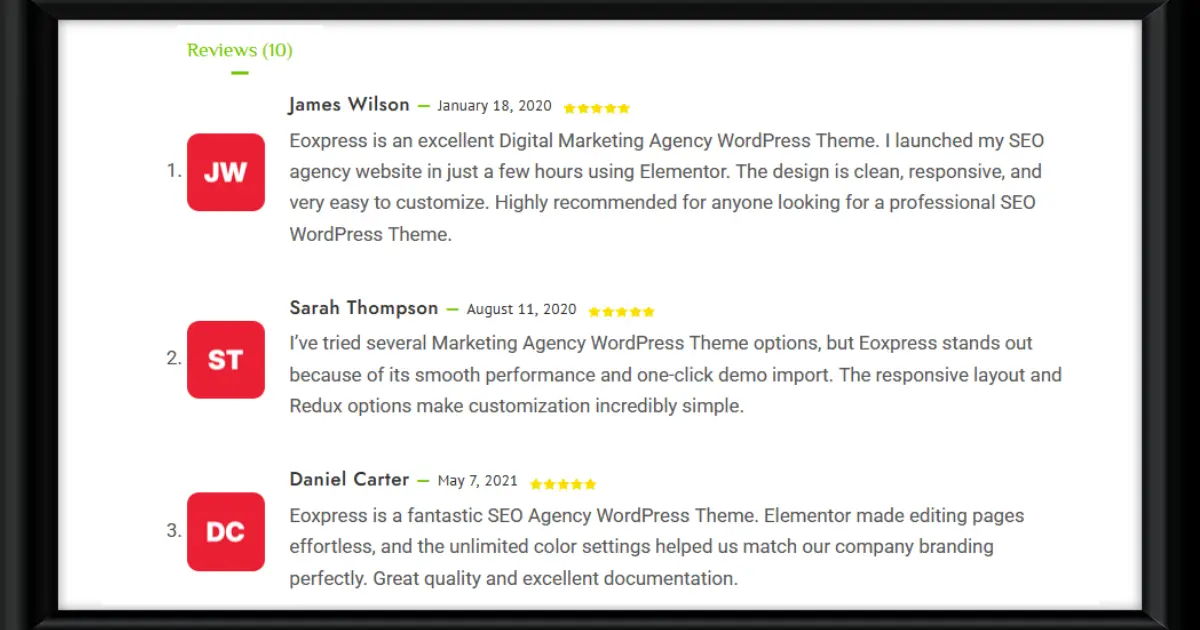
Eoxpress costs $39 right now, down from its regular price of $78. That’s about half off the normal price, based on the current listing. So far, 19 people have bought the theme, and it has a perfect 5 out of 5-star rating from customer reviews.
If you want more than the basic package, two extra options are available:
Prices and deals can change, so it’s smart to check the official Eoxpress product page before you buy, just to confirm the latest price and what each license includes.
Choosing the right SEO Agency WordPress Theme depends on what your business needs. A good theme should provide a professional design, easy customization, useful blog layouts, mobile-friendly pages, and simple ways to turn visitors into leads. Eoxpress brings these features together with Elementor, Contact Form 7, MailChimp integration, flexible color options, and agency-focused layouts. It can be a practical starting point for SEO agencies, digital marketing companies, consultants, and freelancers. However, it is mainly designed for business websites, not complex SaaS applications. Before buying, check the latest features, price, license, and support options to make sure Eoxpress matches your goals.
The right choice depends on your needs, but a strong option combines an agency-focused design, an easy-to-use page builder, blog support, and built-in lead-capture tools. Eoxpress covers these areas, built on Elementor with styled forms and email integration included.
Yes. Eoxpress is built for SEO and digital marketing agency websites, with layouts and tools shaped around presenting agency services and capturing leads.
Yes. Eoxpress is built on the Elementor page builder, so you can create and edit pages visually without writing code.
Yes. You can build service pages using Elementor’s drag-and-drop editor along with the theme’s flexible page layouts and custom fields.
Yes. Eoxpress is marketed specifically as a digital marketing and SEO agency theme, so it fits this use case directly.
Yes. Eoxpress is fully responsive and retina-ready, so it displays correctly on desktop, tablet, and mobile screens.
Yes. Eoxpress includes blog layout options in full-width, left-sidebar, and right-sidebar styles.
No theme guarantees rankings on its own. A theme provides the design and technical foundation. Actual rankings depend on your content quality, technical SEO, backlinks, and many other factors.
Our FAQs cover the most common questions about ThemeLooks. If you need personalized advice or have a unique query, our team is ready to help. Contact us!
Mohammad Nur Alam is a Technical Content Writer at ThemeLooks Ltd., specializing in WordPress, SaaS, SEO, and web development. He writes practical tutorials, product reviews, and technical guides that help users make the most of WordPress tools and plugins. Passionate about digital marketing and emerging technologies, he enjoys creating helpful content and staying up to date with the latest industry trends.
