10+ years · 15,000+ happy customers
936+ trusted clients · 99% satisfaction

Buying premium WordPress plugins one by one adds up fast. A food ordering system, a POS, delivery time slots, invoice printing and a pricing table plugin can easily cost several hundred dollars before you even launch. This Black Friday, ThemeLooks is making that much easier: 16+ premium WordPress plugins for just $49 through the ThemeLooks Club.
Whether you run a restaurant, a grocery store, a WooCommerce shop, a VoIP business or a creative portfolio, there is a plugin in this collection built for your workflow. Below, we walk through every plugin in the deal, what it does, who it suits and what you should check before you install it.
The ThemeLooks Black Friday WordPress plugins deal gives you access to 16+ premium plugins (18 plugin listings in the WordPress Plugins category) through the ThemeLooks Club Monthly Personal plan at $49/month. It covers the FoodBook restaurant ordering plugin and its add-ons, the GroceryBook grocery delivery plugin and add-ons, WooDelivery, WooPrintInvoice, mFolio, PriceX, PopForms and two VoIP plugins. Bought individually at current sale prices, the same plugins cost more than $950. The same membership also unlocks 160+ themes, scripts and templates.
The plugins fall into five groups. Here is a quick overview before we get into the details.
| Category | Plugins included | What they help you do |
| Restaurant food ordering | FoodBook, FoodBook Plugin & Add-ons Bundle | Take online delivery, pickup and pre-orders on WooCommerce |
| Restaurant add-ons | Multibranch, POS, In-Restaurant Orders, Automatic Order Invoice Printing, Multi-Delivery Fees, Tips | Add locations, counter sales, dine-in tables, auto printing, smarter fees and tipping |
| Grocery delivery | GroceryBook, GroceryBook Multi-Branch, GroceryBook Multi-Delivery Fees | Run an online grocery store with delivery zones and branches |
| WooCommerce tools | WooDelivery, WooPrintInvoice | Delivery/pickup time slots and printable order invoices for any WooCommerce store |
| Website & business tools | mFolio, PriceX, PopForms, Virtual Phone Number Selling System, VOIP Pricing Calculator | Portfolios, pricing tables, popup forms and VoIP sales tools |
Note: Features below are taken from each plugin’s product page as of November 2026. Always check the product page and live preview for the latest version, requirements and changelog.
| Detail | What you get |
| Price | $49/month (ThemeLooks Club Monthly Personal plan) |
| Plugins | 16+ premium WordPress plugins |
| Also included | 160+ total items: WordPress themes, WHMCS templates, PHP scripts, HTML/dashboard templates |
| Licence | Use on up to 100 sites/domains (Personal plan) |
| Updates & support | 1 month of updates and support on the monthly plan |
| Downloads | Unlimited |
| Refund | Visit in site |
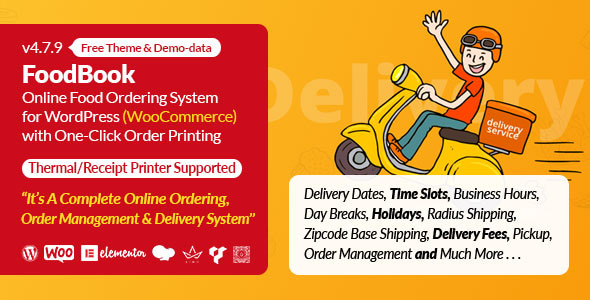
FoodBook turns a WooCommerce site into a complete online ordering system for restaurants. Your menu items become WooCommerce products, and customers can order for delivery, pickup or a future date with the pre-order system. You can set delivery and pickup time slots with opening hours, breaks, holidays and a cap on orders per slot. Delivery can be limited by radius or ZIP code, with an address checker powered by Google’s Distance Matrix and Geocode APIs. Staff get role-based dashboards for Admin, Branch Manager, Kitchen Manager and Delivery Man, and drivers see their assigned orders with map directions. A new-order popup with a sound alert, one-click printing to thermal or normal printers, automatic status emails, guest checkout and product extras with min/max limits round it out. It ships with a free Elementor-based FoodBook theme and one-click demo import.
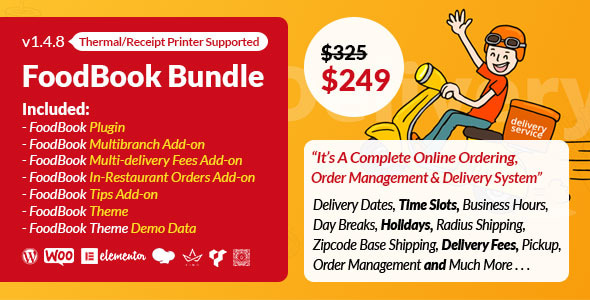
The FoodBook Plugin & Add-ons Bundle packages the core FoodBook plugin with five premium add-ons: Multibranch, Multi-Delivery Fees, Automatic Order Invoice Printing, In-Restaurant Orders and Tip Management. You get every core FoodBook feature (delivery zones, time slots, pre-orders, staff dashboards, printing) plus the tools to scale to several branches, charge distance-based fees, print invoices automatically, take dine-in table orders and accept tips. It also includes a shortcode generator, list and grid menu views, a minimum order amount, a free-shipping threshold and nutrition info.
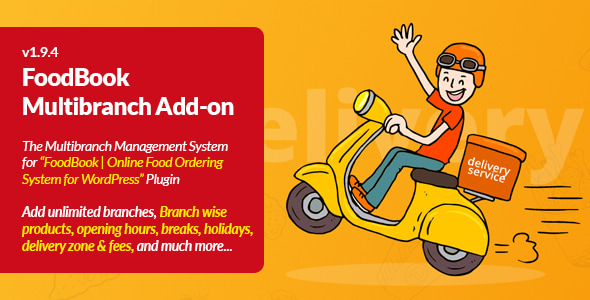
The FoodBook Multibranch Add-on lets you manage several restaurant locations from one WordPress dashboard. You can create branches without a developer, give each branch its own menu and products, and assign Branch Manager, Kitchen Manager and Delivery Boy logins per location. Each branch can have its own day-by-day delivery hours, holiday settings and multiple ZIP codes for delivery and pickup. Orders are tracked per branch and can be transferred from one branch to another.
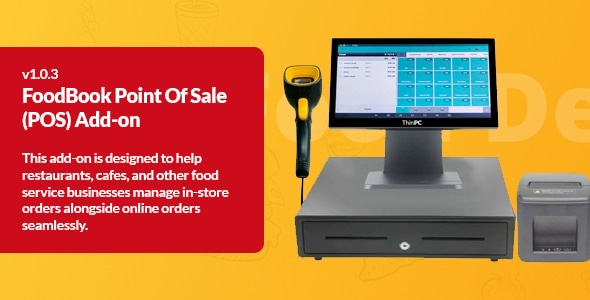
The FoodBook POS Add-on adds a point-of-sale screen to your FoodBook site so you can take counter orders and online orders in one place. Website and in-store orders sync in real time, and the POS accepts cash and card payments. Cashier and manager roles keep permissions clear, and order history and sales reports help you track performance. An offline mode keeps the counter running when the internet drops, then syncs once you are back online. Tip management is available at checkout too.
The FoodBook In-Restaurant Orders Add-on brings dine-in ordering to FoodBook. Guests choose their table number while ordering, so staff know exactly where each dish goes. Table numbers appear in the admin order list and order details, alongside your delivery and pickup orders. Single-branch restaurants can set up one table list, and multi-branch restaurants (with the Multi-Branch add-on) can keep a separate table list for each branch.
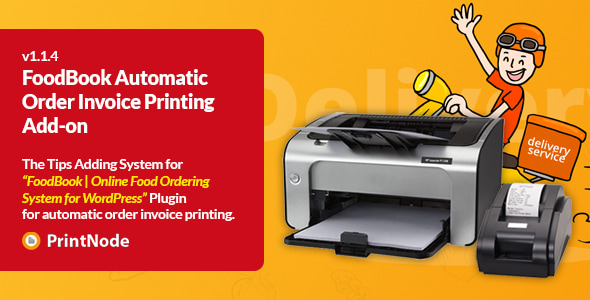
The FoodBook Automatic Order Invoice Printing Add-on sends an invoice to your printer the moment an order is placed, so nobody has to open orders and print them by hand. It uses PrintNode and can print to multiple printers at once, such as one in the kitchen and one at the counter. Both thermal and standard printers are supported, and invoices and labels can be customized. PrintNode works with brands including Epson, Brother, HP, Canon, Zebra, Dymo and Oki.
The FoodBook Multi-Delivery Fees Add-on replaces a single flat delivery charge with flexible pricing. You can create unlimited fee rules based on kilometer distance or ZIP code, so nearby customers pay less and far-away orders still cover your costs. Everything is managed from the WordPress dashboard without code, and it is translation-ready and WPML compatible.
The FoodBook Tips Add-on adds a tipping option to the FoodBook checkout. Customers can tip a percentage or a fixed amount, and you decide how tips are presented, from suggested amounts to an open field, with no limit on the number of tip options. Setup is simple and designed for non-developers.
GroceryBook is a WooCommerce plugin for grocery stores and supermarkets that want to sell online. Customers can choose pickup, delivery or both, check whether you deliver to their address or ZIP code, and book a delivery time slot. You can set radius- or ZIP-based delivery fees, order caps per slot, break times, holidays, pre-orders, a minimum order amount and a free-shipping threshold. Branch Manager, Packaging Manager and Delivery Man each get their own dashboard, and orders move through a clear status pipeline from New Order to Delivery Complete. It also supports printable invoices (including thermal layouts), product galleries, nutrition info and extras, and comes with its own theme and one-click demo import.
The GroceryBook Multi-Branch Add-on lets one grocery website serve several physical stores. You can create branches, upload products per branch, assign staff roles and addresses, set each branch’s delivery hours and holidays, and route delivery and pickup with multiple ZIP codes per branch. Orders can be filtered by branch and transferred between branches.
The GroceryBook Multi-Delivery Fees Add-on gives GroceryBook stores location-based shipping. Set unlimited delivery fee rules by kilometer distance or ZIP code, or offer free shipping to specific ZIP codes, all from one settings panel with no coding.
WooDelivery works with any WooCommerce store, not just restaurants. It lets customers pick a delivery or pickup date and time at checkout, and you can offer delivery only, pickup only or both. You control time slots and per-slot order limits, business hours, breaks and holidays, plus a 24-hour or AM/PM format. It can check delivery availability by address or ZIP code, charge radius- or ZIP-based fees, set a minimum order and free-shipping rules, and even collect a tip. Delivery details are added to admin order emails.
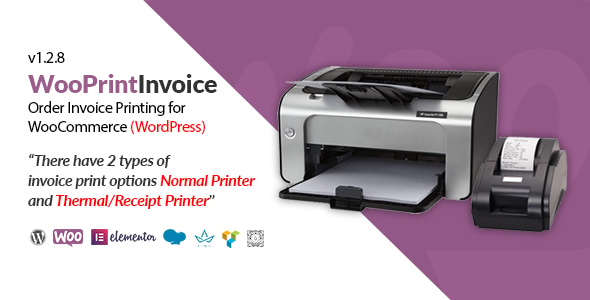
WooPrintInvoice adds one-click invoice printing to any WooCommerce store. Admins can print from the orders table, customers can print from their My Account page, and print links are emailed to both the customer and the admin. It supports regular A4/letter printers and thermal receipt printers, and you can brand invoices with your logo, company name, address and footer text.
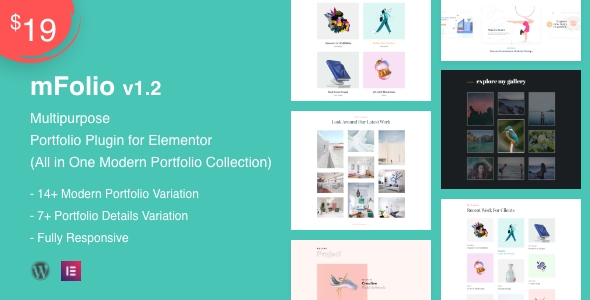
mFolio helps you build a portfolio with Elementor’s drag-and-drop editor. It includes 14+ portfolio layouts and 7+ single-project detail layouts, with masonry grid and gallery styles. Each project can show a description, date and other details, and the plugin is responsive and translation-ready.
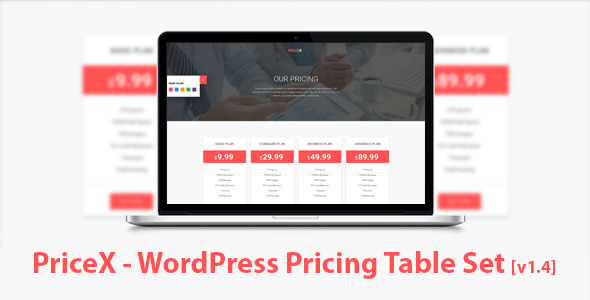
PriceX creates responsive pricing tables using shortcodes. It offers seven Material Design table styles, a shortcode generator, unlimited colors, adjustable column counts, Font Awesome icons and Google Fonts. It works with any WordPress theme and needs no coding.
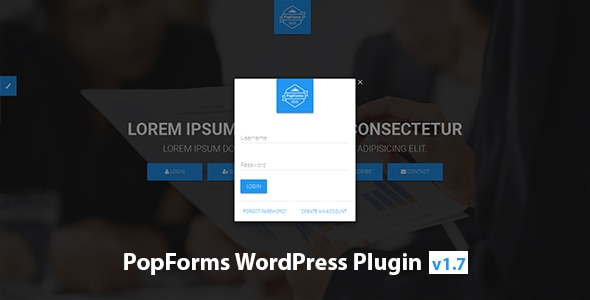
PopForms adds five popup forms to your site: login, sign up, forgot password, subscribe and contact. Forms submit with AJAX, so the page doesn’t reload, and the contact form supports CAPTCHA and file attachments. You can show forms as button-triggered modals or embed them on a page via shortcodes or PHP functions, with unlimited Material colors.
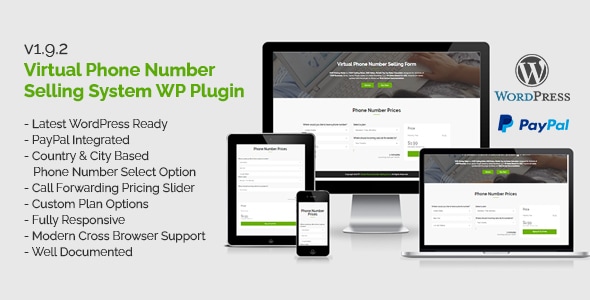
The Virtual Phone Number Selling System adds a front-end form where customers choose a virtual phone number by country and city and pay online. It includes a call-forwarding pricing slider and custom plan options, with PayPal as the payment method and all rates shown in USD.
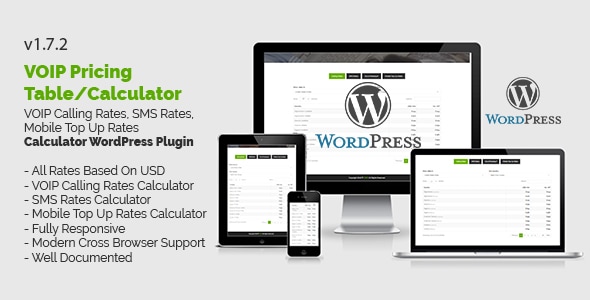
The VOIP Pricing Calculator gives visitors a self-service way to check your rates. It has three calculators: per-minute calling rates by destination, SMS rates and mobile top-up costs by country, all in USD.
Start with FoodBook for online ordering, delivery, pickup and pre-orders. Add the POS Add-on if you also serve walk-in customers, In-Restaurant Orders for dine-in table ordering, and Automatic Order Invoice Printing if your kitchen is busy.
The FoodBook Multibranch Add-on gives each location its own menu, staff, hours and delivery ZIP codes. Pair it with Multi-Delivery Fees to price delivery fairly across a wider area, or simply choose the FoodBook Plugin & Add-ons Bundle.
GroceryBook covers delivery zones, time slots and packing/delivery dashboards. Add the GroceryBook Multi-Branch and Multi-Delivery Fees add-ons as you grow.
WooDelivery adds delivery and pickup date/time slots to any WooCommerce checkout, and WooPrint Invoice handles branded invoices for normal and thermal printers.
Showcase work with mFolio, present plans with PriceX pricing tables, and capture logins, sign-ups and leads with PopForms.
Sell numbers online with the Virtual Phone Number Selling System and publish transparent rates with the VOIP Pricing Calculator.
Need more? Annual (199/year)and Life time(499 one-time) Personal plans are also available, along with Business plans for unlimited sites.
From restaurant and grocery ordering to delivery slots, invoices, portfolios, pricing tables and VoIP tools, this collection covers a wide range of real business needs for one low price. Instead of paying for each plugin separately, you get the full library and can pick exactly what your project needs.
They are available through the ThemeLooks Club Monthly Personal plan at $49 per month. That plan includes all 16+ plugins plus 160+ other themes, scripts and templates.
FoodBook and its six add-ons (Multibranch, POS, In-Restaurant Orders, Automatic Order Invoice Printing, Multi-Delivery Fees and Tips), the FoodBook bundle, GroceryBook with its Multi-Branch and Multi-Delivery Fees add-ons, WooDelivery, WooPrintInvoice, mFolio, PriceX, PopForms, the Virtual Phone Number Selling System and the VOIP Pricing Calculator.
No. Each FoodBook add-on needs the FoodBook plugin installed and active, and each GroceryBook add-on needs GroceryBook. Both core plugins are included in the deal.
FoodBook, GroceryBook, WooDelivery, WooPrintInvoice and their add-ons are built for WooCommerce and list support for WooCommerce 6.x to 9.x (the POS add-on lists 8.x and 9.x). mFolio, PriceX, PopForms and the VoIP plugins do not need WooCommerce.
Yes. The Personal plan licence covers up to 100 sites or domains. Business plans cover unlimited sites.
The monthly plan includes one month of updates and support. Annual plans include a year of updates and six months of support, and lifetime plans include lifetime updates and six months of support.
The Automatic Order Invoice Printing add-on needs a PrintNode account, which is billed separately. FoodBook, GroceryBook and WooDelivery use Google APIs for address and distance checks.
Our FAQs cover the most common questions about ThemeLooks. If you need personalized advice or have a unique query, our team is ready to help. Contact us!