
The best WordPress plugins for restaurant tips management make it easy for customers to leave a tip when they order food online. Top plugins include RestroFood Tip Management Add-on, WooTip, YITH WooCommerce Tip Jar, Gratuity for WooCommerce, and Tips and Gratuity for WooCommerce. These plugins add a tip section to the WooCommerce checkout page, allowing customers to choose either a fixed tip amount or a percentage of their order before completing payment. This gives customers a simple way to thank restaurant staff for their great service while helping employees earn extra income. Although each plugin offers different features, they all make digital tipping quick, easy, and convenient. They also improve the checkout experience and help restaurants provide a smoother online ordering process for every customer.
Table of Contents
| Feature | Gratuity for WC | YITH Tip Jar | Tips & Gratuity | WooTip | RestroFood Tips |
| Percentage-based tips | Yes | Yes | Yes | Yes | Yes |
| Fixed-amount tips | No | Yes | Yes | Yes | Yes |
| Unlimited custom tip options | No | No | No | No | Yes |
| Non-technical setup | Yes | Yes | Yes | Yes | Yes |
| Translation ready | No | Yes | No | No | Yes |
| Mobile responsive | Yes | Yes | Yes | Yes | Yes |
| Free plan available | No | No | No | No | Yes |
| WooCommerce native | Yes | Yes | Yes | Yes | Yes |
| Restaurant ecosystem integration | No | No | No | No | Yes |
| Online documentation | No | Yes | No | Yes | Yes |
Most plugins in this category cover the core tip-at-checkout functionality. The differentiators are: free availability, unlimited tip option configuration, translation readiness for multilingual restaurants, and whether the tip data connects to a broader restaurant management system.
Cash tips are declining. As more restaurant orders move online delivery, takeout, and even dine-in via digital menus, customers no longer carry cash to tip with. A restaurant that accepts online orders without a digital tipping option loses that revenue stream entirely.
Adding tip options at checkout is a direct revenue and staff retention tool. A 2023 Square Restaurant Report found that digital tip prompts on ordering platforms consistently result in higher tip rates than cash-only environments. For WordPress restaurants, this means adding a tip field to WooCommerce checkout where the customer can select a percentage or fixed amount before confirming the order.
Beyond collection, tip management includes tracking which tips were collected, linking them to the right orders, and maintaining transparency for staff who depend on tip income. The plugins below are evaluated on how well they add tipping to the checkout flow and how they handle tip tracking for operational use.
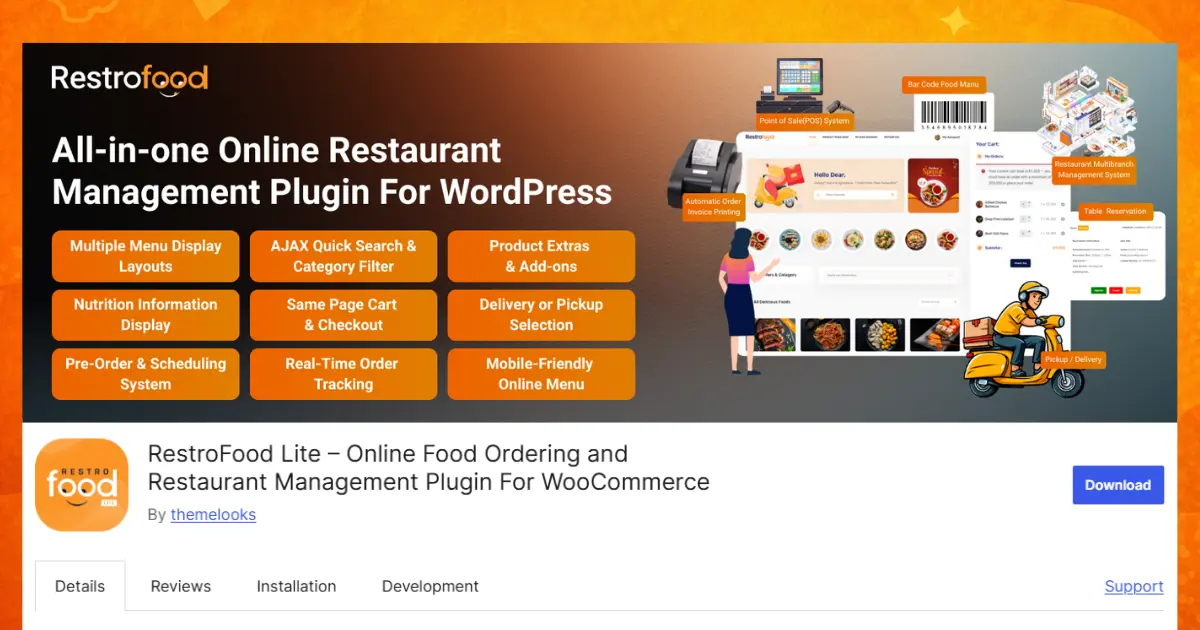
The RestroFood Tip Management Add-on is a free plugin for WordPress and WooCommerce. It helps restaurant owners give customers an easy way to leave a tip during checkout. Many people like to thank restaurant staff for good service, but sometimes they forget because there is no tip option. This add-on solves that problem by placing tip choices directly on the checkout page. Customers can simply choose a tip before completing their order. It is quick, easy, and does not interrupt the ordering process. The plugin works smoothly with WooCommerce and RestroFood, so restaurant owners do not need to install a separate tipping system. Even beginners can set it up without writing any code. It is designed to make online food ordering more convenient for both customers and restaurant owners.
Key Features:
One of the best features of the RestroFood Tip Management Add-on is that it adds the tip option directly to the WooCommerce checkout page. Customers do not have to visit another page or complete extra steps. While they are checking their order, they can see different tip options and select one if they want. This makes the checkout process simple and natural. Customers can quickly choose a tip before placing their order. Since everything happens on the same page, ordering food becomes faster and easier. This feature also helps restaurants receive more tips because customers can clearly see the tipping option at the right time.
Every restaurant is different, and this plugin understands that. The RestroFood Tip Management Add-on allows restaurant owners to create custom tip options that match their business needs. Instead of using fixed settings, owners can decide exactly which tip amounts or percentages they want to show. For example, they can offer small, medium, or large tip choices based on their customers’ preferences. This flexibility helps restaurants provide a better checkout experience. Owners can also update the tip options whenever they want without changing any code. It is a simple way to give customers more choices while keeping the checkout page clean and easy to understand.
The plugin does not limit how many tip choices you can create. Restaurant owners can add as many tip options as they need. Some restaurants may only want two or three tip choices, while others may want many different options. The plugin gives complete freedom to create the right setup. This is useful because every business serves different types of customers. A restaurant can start with a few tip options and add more later if needed. Since there is no limit, the system can grow along with the business. This flexibility makes the plugin suitable for both small restaurants and larger food businesses.
Different customers prefer different ways of giving tips. Some like to leave a fixed amount, such as $2 or $5, while others prefer to give a percentage of the total order value. The RestroFood Tip Management Add-on supports both methods. Restaurant owners can create fixed tip amounts or percentage-based tip options. For example, customers can choose to leave a 5%, 10%, or 15% tip, or they can select a fixed amount like $3 or $10. This gives customers more freedom to choose what feels comfortable. It also helps restaurants offer a flexible and user-friendly checkout experience that works well for different order sizes.
Today, many people order food using smartphones and tablets instead of desktop computers. That is why the RestroFood Tip Management Add-on is fully responsive. The plugin automatically adjusts to different screen sizes so customers can easily view and select tip options on any device. Whether someone is ordering food from a mobile phone, tablet, laptop, or desktop computer, the checkout page remains neat and easy to use. Customers do not need to zoom in or struggle to find the tip section. A responsive design creates a smoother ordering experience, which helps customers complete their orders quickly and comfortably.
Restaurants serve customers from many different countries and language backgrounds. The RestroFood Tip Management Add-on is translation ready, making it easy to display the plugin in different languages. Restaurant owners can translate the text into the language their customers understand best. This makes the checkout process friendlier and easier for everyone. Customers feel more comfortable when they can read everything in their own language. A multilingual website can also help restaurants reach more people and provide a better user experience. The translation-ready feature allows businesses to grow without worrying about language barriers.
Not every restaurant owner has technical knowledge or programming skills. The RestroFood Tip Management Add-on is built for everyone, including beginners. You do not need to write code or hire a developer to set it up. The plugin provides simple settings that are easy to understand. Restaurant owners can install the plugin, choose their preferred tip options, and start using it within a short time. This saves both time and money. Even someone who has never managed a WordPress plugin before can successfully configure the tipping system by following the easy settings.
The RestroFood Tip Management Add-on works naturally with WordPress and WooCommerce. Since it is built as an add-on, it fits perfectly into the existing restaurant ordering system. There is no need to install complicated third-party tools or connect external services. Everything works inside the familiar WordPress dashboard. This provides better stability and a smoother experience for both restaurant owners and customers. The plugin follows WooCommerce standards, making it reliable and easy to manage. Business owners can continue using their existing ordering system while adding a professional tipping feature.
The plugin comes with online documentation that explains how to install, configure, and use every feature. The guides are written to help beginners understand each step. If restaurant owners have questions during setup, they can simply follow the documentation to find answers. This reduces confusion and makes the installation process much easier. Instead of searching for help on different websites, users can find the information they need in one place. Good documentation also helps restaurant owners learn new features and get the best results from the plugin without wasting time.
The add-on is completely free and covers the full tip management workflow: displaying tip options at checkout, collecting the tip with the order, and making tip data available in the order management view. The percentage and fixed-amount modes cover the two most common tip structures restaurants use.
This add-on integrates with the RestroFood ecosystem, so tip data appears alongside order data in the same system where delivery, ordering, and invoicing are managed.
WooTip is a WooCommerce plugin that adds a tip field to the checkout page with simple percentage and fixed-amount options.
Key features:
WooTip is lightweight and focused. It handles the checkout tip display well and does not require complex configuration. It is a paid plugin with a straightforward setup. It does not include tip tracking dashboards or staff payout management.
YITH WooCommerce Tip Jar is part of YITH’s extensive WooCommerce plugin library and adds tip functionality to the checkout experience.
Key features:
YITH Tip Jar integrates cleanly with WooCommerce and benefits from YITH’s plugin ecosystem compatibility. It handles the checkout tip experience well. Advanced tip reporting or restaurant-specific staff management are not part of its feature set.
Gratuity for WooCommerce is a simple plugin for adding tip percentage options to the WooCommerce order form.
Key features:
Gratuity for WooCommerce focuses on the checkout experience without configuration complexity. It is best for small restaurants that want a minimal tip option added quickly. It does not support fixed-amount tip options or custom tip configurations.
Tips and Gratuity for WooCommerce adds configurable tip options at checkout with both percentage and flat-rate modes.
Key features:
Tips and Gratuity for WooCommerce covers the standard tip use cases and includes the custom entry field, useful for customers who want to tip a specific amount that is not in the preset options. It does not include restaurant-specific management tools or multi-channel tip tracking.
Setting up a tip system at WooCommerce checkout follows a consistent process across most plugins:
Step 1 – Choose your tip structure. Decide whether you want percentage-based tips (e.g., 10%, 15%, 20%), fixed-amount tips (e.g., $1, $2, $5), or both. Percentage tips scale with order size. Fixed amounts are simpler for customers to understand on smaller orders.
Step 2 – Configure the options. In the RestroFood Tip Management Add-on, you enter your tip amounts or percentages in the settings panel. You can add unlimited options, for example, 10%, 15%, 20%, and a custom entry field for other amounts.
Step 3 – Choose the display position. Most tip plugins place the tip selector on the checkout page, typically before the order total. Some allow placement adjustment within the checkout form layout.
Step 4 – Test the checkout flow. Place a test order and confirm the tip appears correctly, calculates accurately on the order total, and records as a line item in the WooCommerce order.
Step 5 – Review tip data in orders. Tips recorded as WooCommerce order line items appear in each order’s detail page. For restaurants tracking staff tips, exporting order data or reviewing it in the admin panel shows which orders included tips and in what amounts.
Clear, visible tip options at checkout remove the awkwardness of cash tipping and make it easy for customers to show appreciation, which benefits staff morale and retention.
The RestroFood Tip Management Add-on is a simple and helpful plugin for any WordPress restaurant using WooCommerce. It lets customers leave a tip during checkout with just one click. You can create unlimited tip options, choose fixed amounts or percentages, and set everything up without coding. The plugin also works well on mobile phones, tablets, and computers, making it easy for every customer to use. Because it is free, beginner-friendly, and easy to manage, it is a great choice for restaurants that want to improve customer experience and support their staff. If you want a simple way to collect digital tips, this add-on is an excellent solution.
RestroFood Tip Management Add-on is fully free and includes percentage-based tips, fixed-amount tips, unlimited tip options, translation readiness, and WooCommerce checkout integration. It is the only free plugin in this category with all these features included at no cost.
Install a WooCommerce tip plugin such as RestroFood Tip Management Add-on and configure your tip amounts or percentages in the plugin settings. The tip selector then appears on your checkout page automatically. No code changes are required. Customers see the tip options before confirming their order.
Yes. RestroFood Tip Management Add-on, YITH WooCommerce Tip Jar, Tips and Gratuity for WooCommerce, and WooTip all support both percentage and fixed-amount tip configurations. Gratuity for WooCommerce supports only percentage-based tips.
Tip plugins record the tip as an additional line item in the WooCommerce order. It appears in the order total breakdown in both the admin order view and the customer’s order confirmation. The tip amount is included in the order total for payment processing.
RestroFood Tip Management Add-on allows unlimited tip options, you can add as many preset tip amounts or percentages as needed. Most other tip plugins limit presets to 3 or 4 options.
Yes. Because tip plugins add the gratuity as a line item to the WooCommerce order total, it is processed by whatever payment gateway is active, Stripe, PayPal, Square, or others, as part of the total charge. No special payment gateway configuration is needed.
Digital tip prompts on checkout pages increase the likelihood that customers leave a tip compared to cash-only environments. Research from Square’s restaurant industry data shows that digital ordering with tip prompts results in higher average tip rates. For restaurant staff, transparent and consistent tip collection through the online ordering system provides more reliable income than cash tipping alone.
Our FAQs cover the most common questions about ThemeLooks. If you need personalized advice or have a unique query, our team is ready to help. Contact us!
Mohammad Nur Alam is a Technical Content Writer at ThemeLooks Ltd., specializing in WordPress, SaaS, SEO, and web development. He writes practical tutorials, product reviews, and technical guides that help users make the most of WordPress tools and plugins. Passionate about digital marketing and emerging technologies, he enjoys creating helpful content and staying up to date with the latest industry trends.
