
The best WordPress plugins for automatic order invoice printing are RestroFood Automatic Order Invoice Printing Add-on, WooCommerce PDF Invoices & Packing Slips, YITH WooCommerce PDF Invoice, WP Overnight PDF Invoices, and Order Printer Pro. These plugins generate and print invoices when an order is placed, but they differ significantly in whether printing is fully automatic, which printer hardware they support, and how well they suit a restaurant environment.
Table of Contents
| Feature | WP Overnight | Order Printer Pro | YITH PDF Invoice | WC PDF Invoices | RestroFood Auto Print |
| Fully automatic printing on order | No | No | No | No | Yes |
| PrintNode / cloud print integration | No | No | No | No | Yes |
| Thermal printer support | No | No | No | No | Yes |
| No login required to print | No | No | No | No | Yes |
| Multiple printers simultaneously | No | No | No | No | Yes |
| PDF invoice generation | Yes | Yes | Yes | Yes | Yes |
| Email invoice to customer | Yes | Yes | Yes | Yes | Yes |
| Invoice customization | Code | Yes | Yes | Code | Yes |
| Bulk print support | No | Yes | Yes | Yes | Yes |
| Restaurant-specific design | No | No | No | No | Yes |
The table shows a clear divide: PDF invoice plugins automate document generation but not physical printing. RestroFood Automatic Order Invoice Printing Add-on is the only option in this comparison that dispatches the print job automatically to a physical printer without requiring a staff member to intervene.
In most WooCommerce setups, printing an order invoice means: receive the order notification, log into the admin panel, find the order, open it, and click print. For a restaurant handling 50 or 100 orders a day, that manual process repeats hundreds of times. During peak hours, the delay between order placement and invoice printing directly affects kitchen start time and order fulfillment speed.
A fully automatic invoice printing system removes every one of those steps. When a customer places an order, the invoice prints, no login, no manual trigger, no dashboard visit required. For restaurants with dedicated kitchen printers or receipt printers, this means the kitchen ticket prints the moment the order is confirmed.
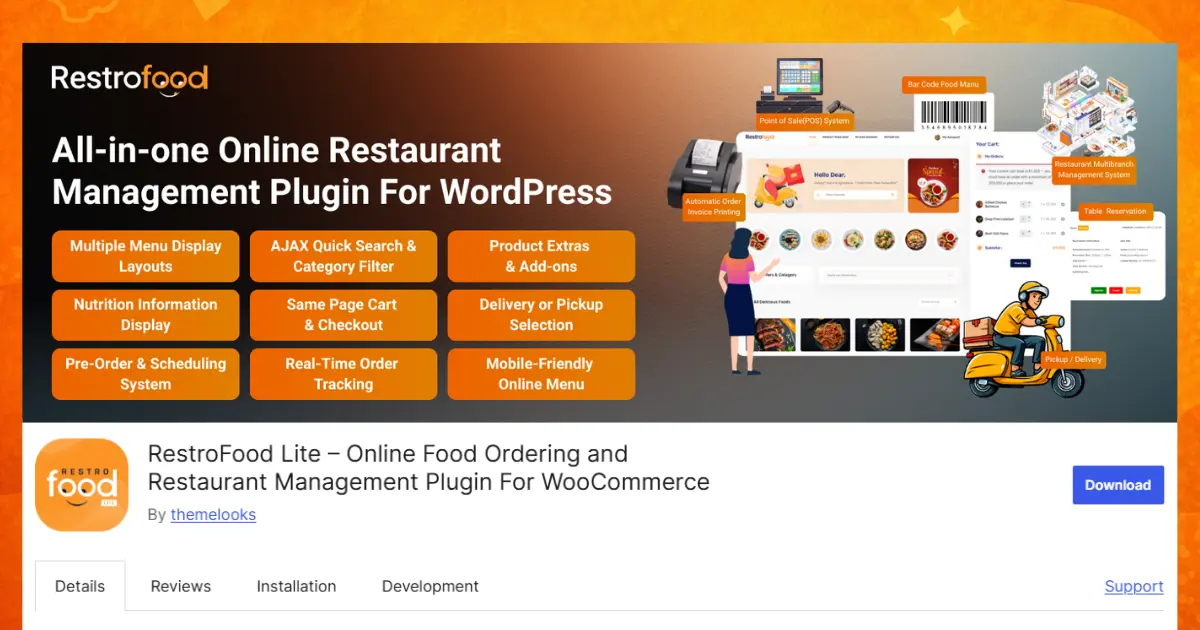
The RestroFood Automatic Order Invoice Printing Add-on helps restaurants print order invoices automatically as soon as a customer places an order. It works with the RestroFood core plugin, WooCommerce, and PrintNode, so you don’t have to print invoices by hand.
Instead of opening WordPress and clicking the print button for every new order, the add-on sends the invoice directly to your connected printer. This saves time, reduces mistakes, and helps your kitchen start preparing orders faster. It is a great solution for busy restaurants, cafés, bakeries, cloud kitchens, and takeaway businesses.
Key Features of Automatic Restaurant Invoice Printing
When a customer places an order and it is confirmed, the invoice prints by itself. Your staff does not need to click a print button or download the invoice manually. This saves time and helps the kitchen receive the order right away. During busy meal times, automatic printing keeps everything moving quickly and reduces mistakes caused by manual work.
The system works with PrintNode, a cloud printing service that connects your WordPress restaurant website to your printers. After a simple setup, invoices can be printed automatically from supported network printers. This means your restaurant can print orders smoothly without needing special printing software on every computer.
Your team does not have to log into the WordPress dashboard every time a new order arrives. The printing process runs automatically in the background. Kitchen staff and cashiers can simply wait for the printed invoice and start preparing the order. This makes daily work much easier and saves valuable time.
Speed is very important in a restaurant. As soon as a customer finishes checkout, the invoice is sent to the printer within a few seconds. The kitchen receives the order almost immediately, allowing cooks to start preparing food faster. Quick printing helps reduce customer waiting time and improves overall service.
You can connect more than one printer to the system. For example, one printer can print the kitchen copy while another prints a receipt for the front counter or cashier. Each department gets the information it needs without sharing a single printer. This makes restaurant operations more organized.
The system works with both thermal receipt printers and regular document printers. Thermal printers are perfect for fast food counters because they print small receipts quickly. Standard printers are useful for larger invoices or office records. You can choose the printer type that best fits your restaurant.
You do not need to buy a special printer. The system supports many well-known printer brands that work with PrintNode, including Canon, Epson, HP, Brother, Zebra, Dymo, Oki, and many others. This gives restaurant owners more freedom to use the equipment they already have.
Every restaurant has different needs. You can change the invoice layout to make it clear, simple, and professional. Arrange order details, customer information, prices, and totals in a way that is easy to read. A well-designed invoice helps staff understand orders quickly and creates a better experience for customers.
You can rename invoice labels and headings to match your restaurant’s style. For example, you can change “Customer” to “Guest” or “Order Number” to another label that better fits your business. Small changes like these make invoices easier for your staff to understand.
Make every invoice look more professional by adding your restaurant logo, business name, contact information, and custom messages. You can also include thank-you notes, return policies, or promotional offers in the footer. A branded invoice helps customers remember your restaurant and builds trust.
Automatic printing does not replace manual printing. Both methods work together. If you ever need to print an extra copy or reprint an invoice, you can still do it manually. This flexibility is helpful when handling special requests or fixing printing mistakes.
Restaurants often receive many orders during lunch and dinner. Printing every invoice by hand can slow down the staff. Automatic invoice printing removes this extra work, allowing employees to focus on cooking, packing, and serving customers. Faster order handling means happier customers, shorter waiting times, and a smoother restaurant workflow.
The RestroFood Automatic Order Invoice Printing Add-on starts at $75 per year for one website and requires the RestroFood core plugin. It is the perfect solution for restaurants that receive many online orders and want to speed up kitchen operations with fast, automatic invoice printing.
WooCommerce PDF Invoices & Packing Slips is one of the most widely used invoice generation plugins for WooCommerce.
Key features:
This plugin generates the PDF automatically, but does not send the job to a physical printer. A staff member still needs to open the PDF and print it manually. For restaurants that need kitchen tickets printed immediately on order, this plugin alone does not complete the workflow.
YITH WooCommerce PDF Invoice provides automatic PDF generation and invoice management within WooCommerce.
Key features:
Similar to WooCommerce PDF Invoices & Packing Slips, YITH generates PDFs automatically but requires manual printing. The invoice management panel is well-organized for stores that need bulk invoice downloads or systematic numbering.
WP Overnight is a lightweight PDF invoice plugin with template-based customization.
Key features:
WP Overnight is minimal and clean. It suits stores that need customer-facing invoice access and email delivery. Like the others, it does not include automatic physical printer dispatch.
Order Printer Pro extends the default WooCommerce order printer with better template customization and print-on-demand tools.
Key features:
Order Printer Pro makes manual printing more efficient by allowing bulk print runs and better template design. It does not provide automatic printing on order placement and requires admin access to trigger each print job.
In a typical restaurant workflow without automation:
That process takes 2-5 minutes per order. During a rush, delayed printing means the kitchen starts late on every ticket.
With RestroFood Automatic Order Invoice Printing:
No login. No manual steps. The delay between order and printed ticket is under 10 seconds.
This matters most for high-volume restaurants, cloud kitchens, and operations with multiple printer locations, for example, a separate printer for the cold kitchen, the hot kitchen, and the cashier’s receipt printer.
Choosing the best WordPress plugins for automatic order invoice printing can make a big difference in how smoothly your restaurant runs. While many WooCommerce plugins can create PDF invoices, only a few can automatically send invoices to a physical printer without any manual work. If your restaurant handles many online orders every day, automatic invoice printing helps reduce delays, minimize mistakes, and keep your kitchen working efficiently.
The RestroFood Automatic Order Invoice Printing Add-on stands out because it combines automatic printing, PrintNode integration, support for multiple printers, customizable invoice layouts, and compatibility with both thermal and standard printers. It removes the need to log into WordPress for every new order, allowing your staff to spend more time preparing food instead of managing paperwork.
Whether you own a small café, a busy restaurant, a cloud kitchen, or a takeaway business, an automated invoice printing system can improve your workflow, speed up order processing, and deliver a better experience for both your staff and your customers.
RestroFood Automatic Order Invoice Printing Add-on is the only WordPress plugin in this category that sends print jobs to a physical printer automatically when an order is placed, using PrintNode integration. Other WooCommerce invoice plugins generate PDFs automatically, but require a staff member to open and print them manually.
PrintNode is a cloud printing service that connects network printers to web applications. Once you install the PrintNode desktop client on your restaurant’s computer and connect your printers, any web application integrated with PrintNode can send print jobs directly to those printers. RestroFood Automatic Order Invoice Printing Add-on integrates with PrintNode so that every new WooCommerce order triggers an automatic print job.
Yes. RestroFood Automatic Order Invoice Printing Add-on supports both thermal and standard receipt printers. Supported brands include Epson, Brother, HP, Canon, Dymo, Zebra, and others; any printer compatible with PrintNode’s service.
RestroFood Automatic Order Invoice Printing Add-on allows unlimited printer connections. When an order comes in, you can configure the system to send the invoice to multiple printers simultaneously, for example, one at the cashier desk and one in the kitchen.
With RestroFood Automatic Order Invoice Printing Add-on, no. The print job is triggered automatically by the WooCommerce order event and sent through PrintNode without requiring anyone to log into the WordPress dashboard. Other WooCommerce invoice plugins require manual action to print.
PDF invoice generation creates a document that gets emailed to the customer or saved in the order. Automatic invoice printing goes one step further, it sends the print job to a physical printer immediately when the order is placed, with no manual action needed. For restaurant kitchen operations, physical printing is what matters.
Yes. RestroFood Automatic Order Invoice Printing Add-on includes customizable invoice labels and layout. RestroFood’s core plugin also supports invoice header and footer text customization, plus logo upload, and it includes both thermal and receipt printer invoice layouts.
Our FAQs cover the most common questions about ThemeLooks. If you need personalized advice or have a unique query, our team is ready to help. Contact us!
Mohammad Nur Alam is a Technical Content Writer at ThemeLooks Ltd., specializing in WordPress, SaaS, SEO, and web development. He writes practical tutorials, product reviews, and technical guides that help users make the most of WordPress tools and plugins. Passionate about digital marketing and emerging technologies, he enjoys creating helpful content and staying up to date with the latest industry trends.
