Table of Contents
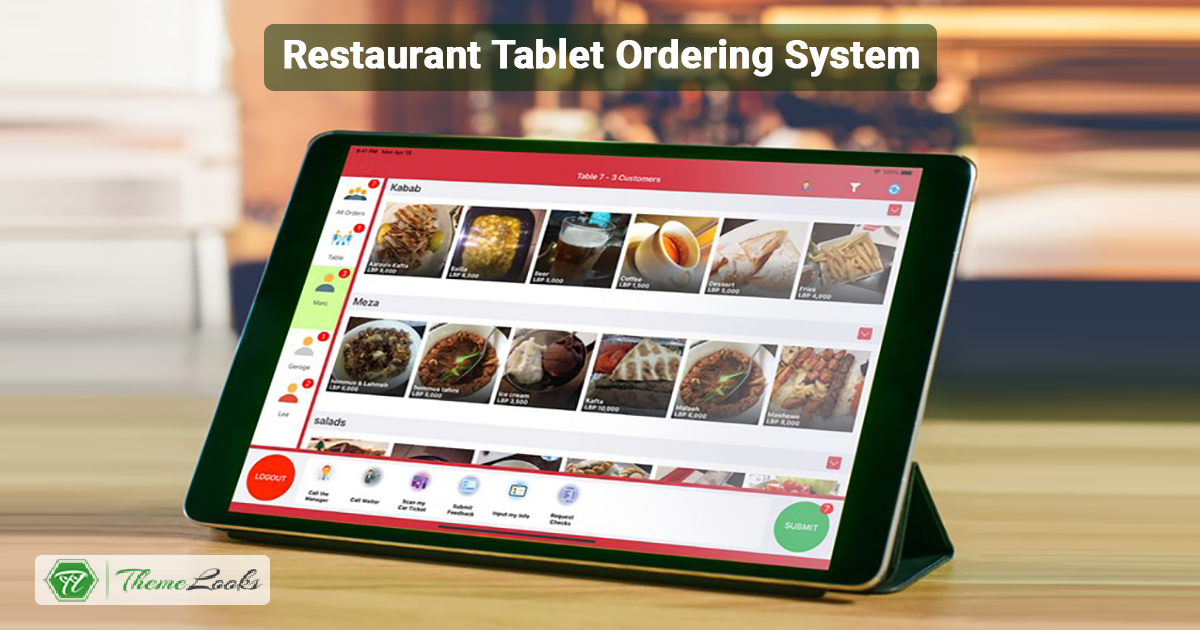
The restaurant business has changed a lot with the help of new technology. One of the biggest changes is the Restaurant tablet ordering system. This system lets customers use a tablet to look at the food menu and order food by themselves. It helps save time, reduce mistakes, and improve service.
Tablet ordering systems also help restaurants work faster and serve more people, especially during busy times. They became even more useful during the pandemic, when less contact between staff and customers was important.
In this blog, we’ll explain what a restaurant tablet ordering system is, why it’s helpful, what features to look for, and how it can make the customer experience better.
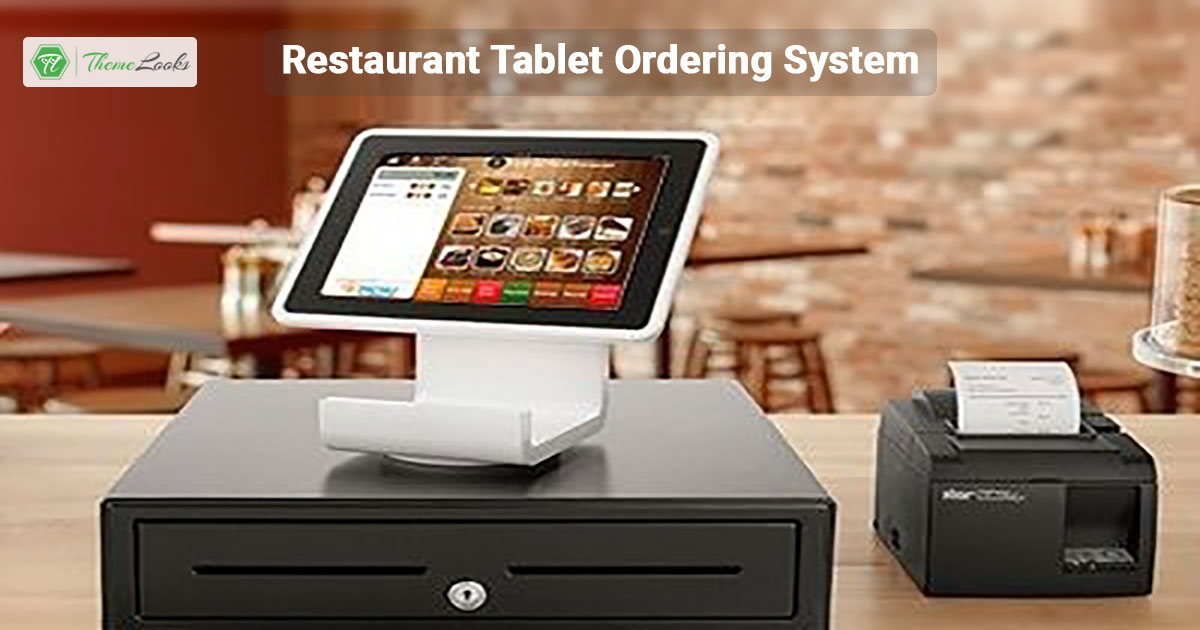
A restaurant tablet ordering system lets customers use a tablet or their own smartphone to order food. The tablet shows the menu, and customers can pick what they want without needing a waiter. These systems are connected to the restaurant’s POS (point of sale), so the kitchen gets the order right away. It also helps with payments and keeps track of food stock.
A tablet ordering system works well only when it has the right features. These features help restaurants run smoothly and give customers a better experience. Let’s look at the main things a good tablet ordering system should include.
Technology is changing how restaurants work, and tablet ordering systems are one of the best examples. They offer many advantages for both customers and restaurant owners. Let’s take a look at some of the main benefits.
1. Better Customer Experience
Using a tablet to order food is fast and simple. Customers don’t have to wait for a server—they can take their time browsing the menu, customize their meals, and place their orders when ready. This freedom makes dining more enjoyable. People feel more in control and are likely to come back again.
2. Fewer Order Mistakes
When customers place their orders with servers, sometimes there are mistakes. The wrong item may be brought to the table, or an ingredient might be missed. Tablet ordering helps fix this problem. Since customers enter their orders directly into the system, there is less chance of error. This helps restaurants avoid complaints and food waste.
3. Faster Service and More Efficiency
Tablet systems save time. During busy hours, customers can still place their orders without waiting. This helps reduce wait times and lets staff focus on preparing and serving food. As a result, restaurants can serve more customers in less time, which boosts productivity.
4. Cost Savings for Restaurants
At first, getting tablet systems can seem expensive. But over time, restaurants save money. Fewer servers are needed to take orders, and fewer mistakes mean less food is wasted. This leads to lower running costs and better use of staff.
5. Helpful Customer Data
Tablet systems also collect useful information. For example, they can show what dishes are popular, what times are busiest, and how much customers usually spend. Restaurant owners can use this data to improve their menu, offer deals, or plan promotions that bring in more customers.
6. More Sales Opportunities
Tablets can also suggest extra items like drinks, sides, or desserts when someone places an order. This is known as upselling. It encourages customers to spend a little more, which helps increase the restaurant’s income.
Before picking a tablet ordering system for your restaurant, it’s important to look at a few key points. The right choice will help your business run smoothly and keep your customers happy.
1. Works Well with Your Current System
Make sure the tablet system can connect with your current POS (Point of Sale) system. This helps everything work together without problems. Orders, payments, and inventory should flow easily from one system to another.
2. Easy to Use
The system should be simple for both staff and customers to use. You shouldn’t need long training to get started. If the interface is clear and user-friendly, people will use it with ease and confidence.
3. Customizable Options
Look for a system that lets you change the menu and settings to match your restaurant’s style and needs. This allows you to offer a better experience that fits your brand and your customers’ expectations.
4. Good Customer Support
Choose a provider that offers fast and helpful support. If something goes wrong or you have questions, you need to be able to contact someone who can fix the problem quickly.
5. Strong Security Features
Since the system will handle payments and personal details, security is very important. Make sure it follows the latest data protection rules and keeps your customers’ information safe.
Implementing a tablet ordering system can improve your restaurant’s efficiency and customer experience. To get the most out of this technology, it’s important to follow some best practices. This section covers key tips to help you successfully introduce and maintain the system in your restaurant.
Learn more about these topics from our related blog- Best Tips for Using a Restaurant Tablet Ordering System
Restaurant owners want to make sure they get the most out of their investment in tablet ordering systems. Here’s how they can do it:
Tablet ordering systems are changing how people act in restaurants. Here’s how:
Tablet ordering systems are evolving, and here’s what to expect in the future:
Setting up a restaurant tablet ordering system involves selecting compatible tablets, installing the necessary software or app, and connecting the system to your restaurant’s POS (point of sale). You’ll also need to configure the menu, set up payment options, and train your staff to use the system. Ensure your Wi-Fi or network is strong and reliable to handle the tablets during peak hours.
A tablet ordering system allows customers to browse the menu, place orders, and make payments directly from a tablet device at their table. The system sends the orders directly to the kitchen or bar, reducing wait times and human error. It also offers features like modifying orders, adding special requests, and tracking order status in real-time.
API or compatible software with your POS system are usually integrated into the tablet ordering system. Generally, installation instructions are provided for each system, although your POS provider can accommodate your integration process. Ideally, it should be used to ensure that tablet orders are retrieved, passed through the cash register and reflected in inventory and reporting systems.
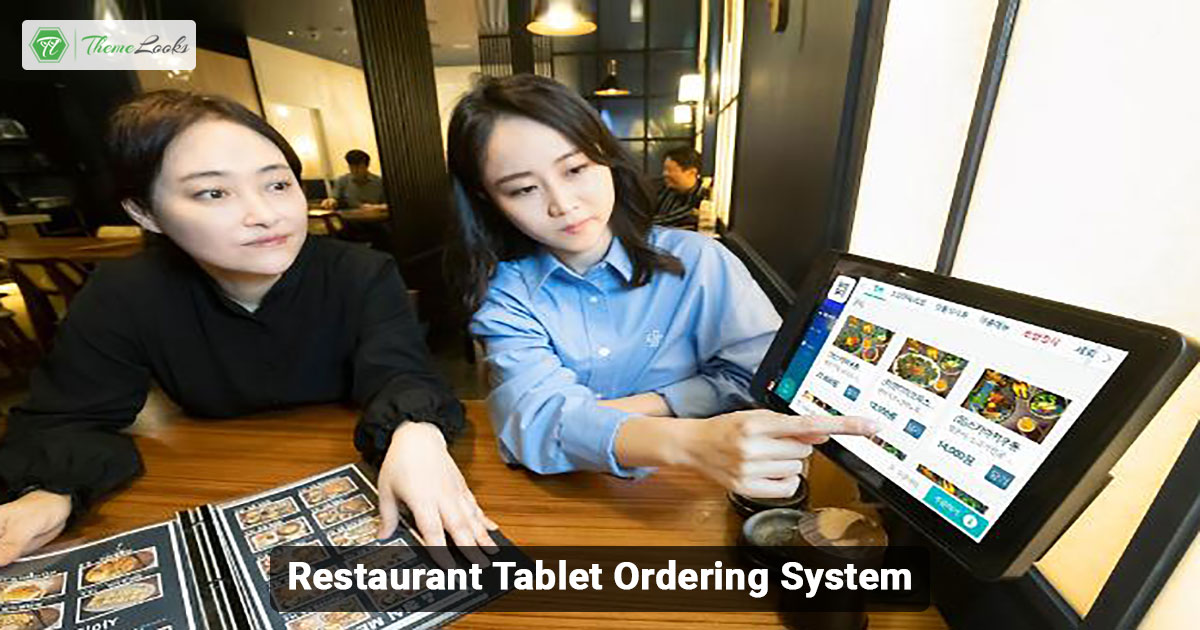
To use a tablet for restaurant ordering, hand it to your customers once seated. They can browse the menu, customize their orders, and submit their choices. The order is automatically sent to the kitchen, and the customer can pay through the tablet or at the end of the meal.
To update the menu, you must log into the system’s management portal to add, remove, or edit menu items, descriptions, and prices. Changes will automatically sync with the tablets on the restaurant floor, ensuring customers can always access the latest information.
Key features include menu customization, integration with POS systems, secure payment processing, real-time order tracking, reporting tools, and customer feedback options. The system should be user-friendly for staff and customers, with reliable support and frequent software updates.
The table ordering system replaces paper-based menus, which allow customers to place orders using their tablets. It minimizes the time customers need to wait and the errors associated with placing orders. In contrast, customers can easily order what they want and make certain modifications without much stress. As we know, tablet systems can be updated immediately, meaning price or stock availability can be changed in real-time, unlike paper menus.
Introducing a restaurant tablet ordering system can help restaurants and their consumers improve the customer experience and make it easier for employees. This is why the restaurant industry is becoming more accepting of this technology: increased order accuracy, efficiency gains, and the capability to offer valuable data analysis across the ordering process.
This means, in the future, trends and utilization of innovative measures will be paramount in the sustenance of the competitive advantage. With the use of technology, such as the optimal choice in ordering tablets, employee training, and advertising for the consumption of such tablets by the clients, restaurants would see their clients.
Just fill out the contact form to get a free consultancy from our expert. We would be happy to answer you.
ThemeLooks – YouTube – Facebook – Linkedin – Twitter

I write the content behind ThemeLooks products - product descriptions, documentation, and blogs for WordPress themes, Website templates, and WordPress plugins, etc. I work between the developers who build the product and the customers trying to understand it.